
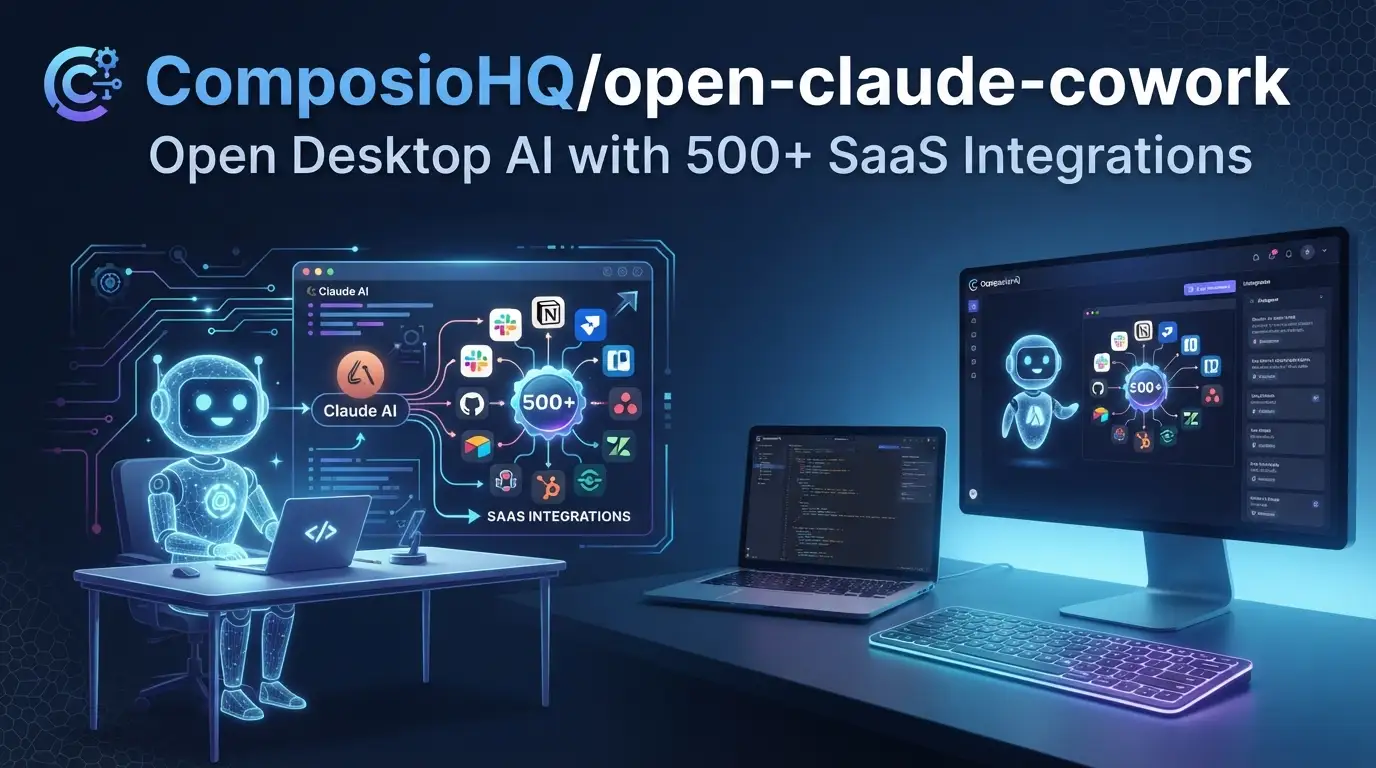
ComposioHQ/open-claude-cowork: Open Desktop AI with 500+ SaaS Integrations
Developers increasingly need AI assistants that don't just chat—they act. The friction of copying context between Claude's web interface and actual work tools (GitHub, Slack, Gmail, calendars) wastes time and breaks flow. Meanwhile, closed-source AI desktop apps lock you into proprietary ecosystems with limited extensibility.
ComposioHQ/open-claude-cowork addresses this directly: an open-source desktop chat application powered by the Claude Agent SDK and Composio Tool Router, designed to automate work end-to-end across desktop and SaaS applications in one place. With 4,307 GitHub stars, 742 forks, and an MIT License, it's gaining traction among developers who want transparent, hackable AI automation without vendor lock-in.
This article breaks down what the project actually delivers, how to set it up, and where it fits in your toolkit.
What is ComposioHQ/open-claude-cowork?
ComposioHQ/open-claude-cowork is an open-source desktop chat application maintained by Composio, built on top of two core technologies: Anthropic's Claude Agent SDK and Composio's own Tool Router. The project ships as two distinct but related tools under one repository:
| Tool | Form Factor | Primary Use |
|---|---|---|
| Open Claude Cowork | Desktop app (macOS, Windows, Linux) | Work automation, multi-chat sessions |
| Secure Clawdbot | Messaging bot (WhatsApp, Telegram, Signal, iMessage) | On-the-go AI access, reminders, persistent memory |
Both tools share the same integration backbone: 500+ app integrations through Composio, covering Gmail, Slack, GitHub, Google Drive, and others. The project is written primarily in JavaScript↗ Bright Coding Blog (per repo stats), uses Electron.js for the desktop shell, Node.js + Express for the backend, and Server-Sent Events (SSE) for real-time streaming.
The last commit was May 23, 2026, indicating active maintenance. The MIT License means commercial use, modification, and redistribution are all permitted—important for teams evaluating infrastructure dependencies.
Why this matters now: the AI tooling landscape is fragmenting between closed platforms (Claude's web UI, ChatGPT, Copilot) and piecemeal open-source solutions. ComposioHQ/open-claude-cowork attempts to bridge this gap by combining a polished desktop experience with deep, extensible integrations—while keeping the entire stack auditable and modifiable.
Key Features
The project's capabilities split cleanly between the desktop application and the messaging bot. Here's what's documented:
Open Claude Cowork (Desktop)
- Multi-Provider Support: Switch between Claude Agent SDK and Opencode SDK for different models, reducing single-vendor dependency.
- Persistent Sessions: Context maintained across messages—critical for long-running tasks like code review or multi-step automation.
- Real-time Streaming: Token-by-token response display via SSE, giving immediate feedback rather than waiting for complete generation.
- Tool Visualization: Tool inputs and outputs render in a dedicated sidebar, making debugging and verification transparent.
- Skills Support: Extend Claude with custom capabilities through
SKILL.mdfiles in.claude/skills/. - Modern UI: Clean, dark-themed Electron interface.
Secure Clawdbot (Messaging)
- Multi-Platform: WhatsApp, Telegram, Signal, iMessage—meeting users where they already communicate.
- Persistent Memory: Remembers facts, preferences, and daily notes across conversations.
- Browser Automation: Navigate, click, fill forms, and screenshot—useful for tasks requiring web interaction.
- Scheduling: Natural language reminders and cron jobs for time-based automation.
- 500+ Integrations: Same Composio-powered app connectivity as the desktop version.
The Composio Tool Router + MCP (Model Context Protocol) integration is the architectural backbone here. It standardizes how the AI agent discovers, calls, and handles responses from external services—abstracting away the per-API auth and schema differences that typically consume integration time.
Use Cases
Based on documented features, here are realistic deployment scenarios:
1. Developer Workflow Orchestration
A backend engineer uses Open Claude Cowork to review pull requests: the AI fetches the PR from GitHub, summarizes changes, checks CI status, and drafts a review comment—all within the desktop chat. Persistent sessions mean the context survives across interruptions.
2. Cross-Platform Status Aggregation
A DevOps↗ Bright Coding Blog lead asks Secure Clawdbot via Slack: "What's the status of all P1 incidents?" The bot queries PagerDuty, Jira, and cloud monitoring dashboards through Composio integrations, returning a synthesized summary with links.
3. Automated Calendar Coordination
A product manager schedules a design review by telling the desktop app: "Find 30 minutes next week where Alice, Bob, and I are free, book a room, and send invites." The AI interacts with Google Calendar, Slack for availability checks, and the room booking system.
4. On-Call Handoff Documentation
An SRE uses Secure Clawdbot's memory feature to log incident notes throughout a shift. At handoff, the bot generates a structured summary from its persistent memory, posts it to the team's channel, and schedules a follow-up task.
5. Form-Based Data Entry Automation
A sales ops team member uses browser automation to update CRM records: the AI navigates Salesforce, fills opportunity fields from a spreadsheet in Google Drive, and confirms successful submission with a screenshot.
Installation & Setup
The README provides exact commands. Reproduce them precisely:
Open Claude Cowork
# Clone the repository
git clone https://github.com/ComposioHQ/open-claude-cowork.git
cd open-claude-cowork

# Run the setup script
./setup.sh
Then start in two separate terminals:
# Terminal 1 — backend server
cd server && npm start

# Terminal 2 — Electron desktop app
npm start
The ./setup.sh script likely handles dependency installation and initial configuration. The split-terminal requirement indicates a client-server architecture: the Express backend (port 3001 per troubleshooting docs) runs independently from the Electron frontend.
Secure Clawdbot
cd clawd
npm install
node cli.js
After running node cli.js, select:
- "Terminal chat" to test functionality locally
- "Start gateway" to connect messaging platforms (WhatsApp, Telegram, Signal, iMessage)
Full messaging setup requires additional configuration documented in ./clawd/README.md.
API Key Configuration
Copy the example environment file and edit with your keys:
cp .env.example .env
# Edit .env with your actual keys
Required keys:
- Anthropic API key from console.anthropic.com (format:
sk-ant-...) - Composio API key from app.composio.dev
- Opencode API key (optional) from opencode.dev
Real Code Examples
The README contains limited explicit code samples. Below are the documented examples, reproduced exactly with explanatory context.
Example 1: Custom Skill Definition
Extend Claude's capabilities by creating SKILL.md files in .claude/skills/:
---
description: Use this skill when the user asks about [topic]
---

# My Skill

Instructions for Claude...
The YAML frontmatter provides metadata for skill routing; the body contains instructions the agent incorporates into its system prompt. This pattern—similar to [INTERNAL_LINK: MCP server configuration]—allows domain-specific behaviors without modifying core application code. Multiple skills can coexist, with the agent selecting relevant ones based on the description field.
Example 2: Project Structure Reference
While not executable code, the documented structure reveals architectural decisions:
open-claude-cowork/
├── main.js              # Electron main process
├── renderer/            # Frontend UI
├── server/              # Backend + providers
│   ├── providers/       # Claude & Opencode implementations
│   └── server.js        # Express server
├── clawd/               # Secure Clawdbot (messaging bot)
│   ├── cli.js           # Entry point
│   ├── adapters/        # WhatsApp, Telegram, Signal, iMessage
│   └── README.md        # Full documentation
└── .claude/skills/      # Custom agent skills
Key observations: the provider pattern in server/providers/ enables swapping between Claude and Opencode implementations. The adapter pattern in clawd/adapters/ isolates messaging platform specifics. Both suggest intentional separation of concerns for maintainability.
Example 3: Environment Configuration (Implied)
The .env.example file isn't shown in full, but the README documents required variables:
# Required: Anthropic API key (starts with sk-ant-)
ANTHROPIC_API_KEY=sk-ant-...

# Required: Composio API key for tool integrations
COMPOSIO_API_KEY=...

# Optional: Opencode API key for alternative model provider
OPENCODE_API_KEY=...
Note the explicit sk-ant- prefix validation hint—useful for debugging common copy-paste errors.
Advanced Usage & Best Practices
Based on the tool's documented design, here are practical recommendations:
Session Management: The backend maintains persistent sessions via session IDs. For production deployments, ensure your server/ process has stable storage—session loss means context reset, which is particularly painful for long-running automation chains.
Skill Organization: The SKILL.md system rewards granularity. Rather than one massive skill, create focused skills for specific domains (e.g., "GitHub PR Review," "Slack Status Updates"). The description field drives routing accuracy.
SSE Troubleshooting: If streaming feels slow, verify firewall rules aren't buffering Server-Sent Events. Some corporate proxies and VPNs interfere with SSE connections; the README explicitly flags this in troubleshooting.
Gateway Security: Secure Clawdbot's messaging gateway connects to personal communication channels. Run it on infrastructure you control, and audit the adapter implementations in clawd/adapters/ before connecting production accounts.
Provider Fallback: With both Claude and Opencode configured, you can implement client-side fallback logic if one provider experiences degradation—though this requires custom code beyond the current README scope.
Comparison with Alternatives
| ComposioHQ/open-claude-cowork | Claude Code (Anthropic) | LangChain Desktop Apps | |
|---|---|---|---|
| License | MIT (open source) | Proprietary | Varies by implementation |
| Integrations | 500+ via Composio | Limited native; extensible via MCP | Depends on community packages |
| Form Factor | Desktop + messaging | CLI + IDE | Typically web or custom |
| Model Flexibility | Claude + Opencode | Claude only | Any (user-configured) |
| Setup Complexity | Moderate (two-terminal) | Low (single CLI) | High (assembly required) |
Trade-offs to consider: Claude Code offers tighter Anthropic integration with simpler setup but locks you into Claude and lacks the messaging bot dimension. LangChain-based solutions provide maximum flexibility but require significant integration effort. ComposioHQ/open-claude-cowork sits in a middle ground: opinionated enough to work out of the box, open enough to modify and self-host.
FAQ
Q: What license covers ComposioHQ/open-claude-cowork? MIT License—permissive for commercial and personal use.
Q: Which operating systems are supported? macOS, Windows, and Linux for the desktop app.
Q: Why do I need two terminals to run the desktop app? The architecture separates the Electron frontend from the Express backend; both must run simultaneously.
Q: My API key isn't working. What's wrong?
Anthropic keys start with sk-ant-. Verify format and that the .env file is in the project root.
Q: Can I use this without Claude (Anthropic)? Yes—Opencode SDK is supported as an alternative provider, though setup requires its own API key.
Q: Is the messaging bot (Secure Clawdbot) self-hosted?
Yes, you run the gateway yourself. See clawd/README.md for platform-specific setup.
Q: How current is the project? Last commit was May 23, 2026, per repository metadata.
Conclusion
ComposioHQ/open-claude-cowork targets a specific developer profile: teams who want AI automation across SaaS tools, value open-source transparency, and need both desktop and messaging interfaces. The 4,307-star repository demonstrates real interest, though the two-terminal setup and API key configuration indicate it's aimed at technical users comfortable with self-hosting.
The combination of Claude Agent SDK, Composio Tool Router, and MIT licensing creates a credible alternative to closed platforms—provided you're willing to trade some setup complexity for control. The Secure Clawdbot messaging layer is a genuine differentiator for teams already living in WhatsApp, Telegram, or Signal.
If your workflow spans multiple SaaS tools and you're currently context-switching between Claude's web UI and actual work, this project warrants evaluation. Start with the desktop app, verify your critical integrations work through Composio, then expand to messaging if mobile access matters for your use case.
Get started: https://github.com/ComposioHQ/open-claude-cowork
