
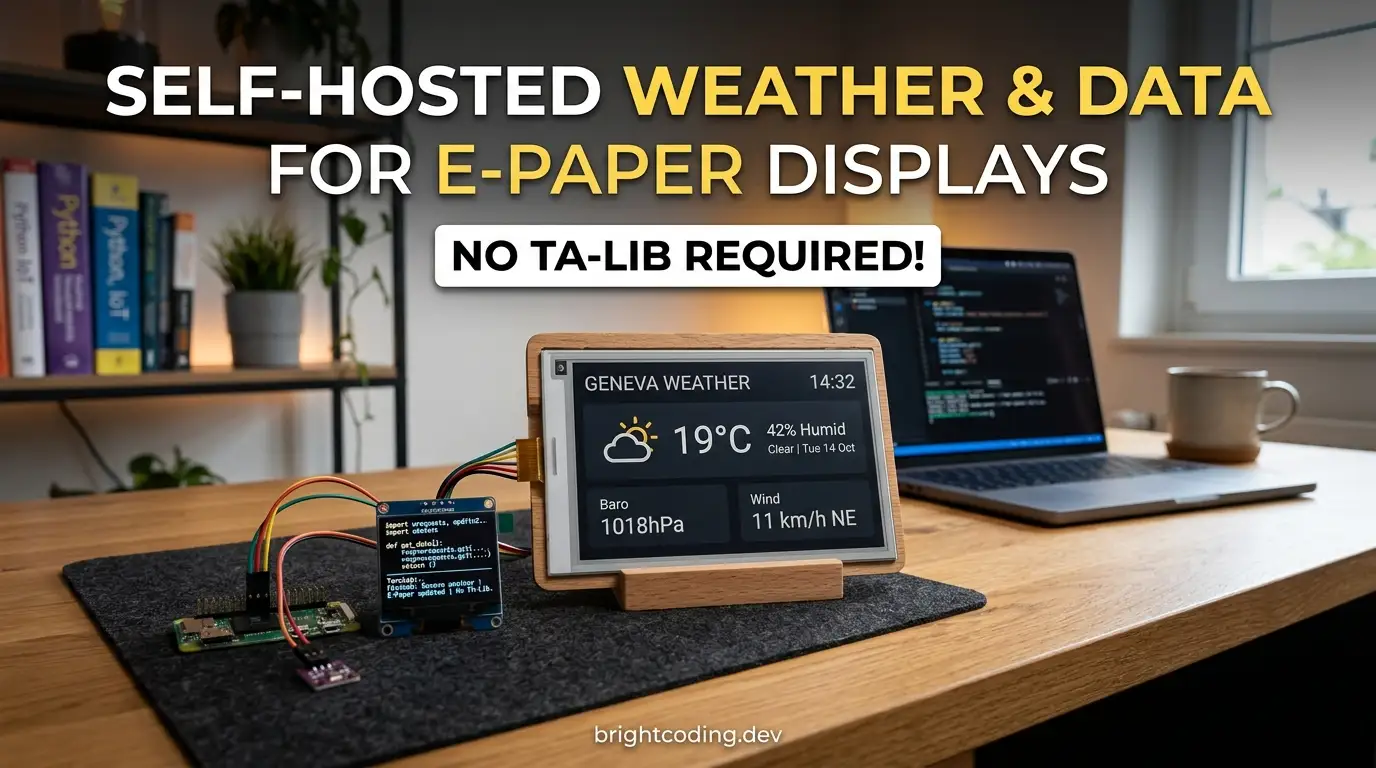
kyleturman/home-dashboard: Self-Hosted Weather & Data for E-Paper
Introduction
Developers who want ambient information displays in their homes face a frustrating trade-off: commercial smart screens demand cloud accounts, leak privacy, and burn electricity on bright LCDs. E-paper technology solves the power and visibility problems, but bridging APIs, rendering layouts, and keeping a microcontroller fed with fresh data means building fragile glue code that rarely survives past the weekend project phase.
kyleturman/home-dashboard addresses this directly. It's a Node.js server that collects weather forecasts, calendar events, vehicle telemetry, and AI-generated insights, renders them as HTML/CSS, converts to 1-bit PNG, and serves the result to a locally-networked ESP32 e-paper display. The project gained traction after its creator shared it publicly following viral interest, and the repository now sits at 300 stars with 25 forks. This article walks through what the system actually does, how to run it reliably, and where it fits in a broader home automation stack.
What is kyleturman/home-dashboard?
kyleturman/home-dashboard is an open-source, MIT-licensed home information system designed specifically for e-paper/e-ink displays. Last committed on 2025-10-12, the project is authored by Kyle Turman and written primarily in JavaScript↗ Bright Coding Blog. It is explicitly described as a production-status system, though the README notes it is provided as-is with no warranty and is not actively maintained.
The architecture is deliberately modular: a persistent Node.js server runs on an always-on machine (Raspberry Pi, Mac Mini, or similar), aggregates data from multiple APIs, and exposes both a web dashboard and a bitmap endpoint. A microcontroller-powered e-paper display fetches the PNG image every ten minutes, with sleep scheduling from midnight to 5am to preserve battery life.
What distinguishes this from simpler weather station projects is its service-oriented design. Each data source—weather, calendar, vehicle, AI—extends a BaseService class with caching, retry logic, and stale-data fallback. This makes the system resilient to API outages and straightforward to extend. The target resolution is 800x480 for 7.5" displays using the UC8179 controller, with tested support for Seeed XIAO ESP32 variants and the reTerminal E1002.
Key Features
Multi-source weather aggregation. The system uses Visual Crossing as its primary forecast provider (1,000 free calls/day) with optional override from Ambient Weather personal stations. It supports up to four locations simultaneously via ZIP code configuration.
Google Calendar integration. OAuth 2.0 authentication pulls upcoming events into the dashboard display. Tokens persist in local JSON storage, surviving server restarts without re-authentication.
Vehicle telemetry via Smartcar. For supported vehicles, the dashboard can display battery level, fuel range, and related data. The free tier supports one vehicle.
LLM-generated insights. Optional Claude 3.5 Haiku integration produces daily summaries and clothing suggestions. The README notes this costs "just a few cents per month" at current Anthropic pricing.
1-bit PNG rendering pipeline. The server renders HTML/CSS through EJS templates, then converts to a black-and-white PNG optimized for e-paper's constraints. The creator acknowledges font hinting imperfections in this conversion—a honest limitation of the current implementation.
PM2 process management. The server runs as a daemon with automatic crash recovery and optional boot-start integration. This is critical for unattended operation on headless devices.
Modular service architecture. Each data source is a self-contained class. Adding or removing capabilities requires changes only in services/, lib/dataBuilder.js, and the EJS template—not scattered throughout the codebase.
Use Cases
Home office ambient display. A developer running a headless Raspberry Pi can position a 7.5" e-paper screen near their desk, showing weather for the commute, calendar entries for the day, and vehicle charge status—all without the distraction of backlight glow or notification sounds.
Garage or entryway information panel. The 10-minute refresh rate and sleep scheduling suit locations where real-time responsiveness matters less than at-a-glance readiness. Battery-powered operation is feasible with the ESP32-S3's deep sleep capabilities.
Custom home automation frontend. The modular service design and JSON API endpoints (/api/dashboard, /api/services/status) allow the dashboard to serve as a data backend for other displays or automation rules. A developer could consume the same aggregated data through Home Assistant or similar platforms.
Low-power remote location monitoring. For off-grid or solar-powered setups, e-paper's near-zero static power draw and the server's local-network operation avoid cloud dependencies and cellular data costs. The 12am-5am sleep window extends battery life significantly.
Educational IoT project. The clear separation between server-side data aggregation and client-side display rendering makes this a concrete example for teaching HTTP APIs, process management, and embedded systems integration.
Installation & Setup
The system requires Node.js 16+ and targets always-on Linux or macOS machines. Windows may work but is not documented.
Clone and install dependencies
git clone https://github.com/kyleturman/home-dashboard.git
cd home-dashboard
npm install
Configure environment
cp .env.example .env
Edit .env with at minimum:
MAIN_LOCATION_ZIP=94607
VISUAL_CROSSING_API_KEY=your_key_here
The ZIP code must be five digits (US-only based on documentation). Visual Crossing provides the weather API; sign up at their site for the free tier key.
Start the production server
npm start      # Starts PM2 daemon with auto-restart
npm stop       # Stops the service
npm restart    # Restarts and reloads .env changes
npm run logs   # Tails live PM2 logs
The default port is 7272. The npm start command wraps PM2, which handles crash recovery. This is the recommended operational mode, not node index.js directly.
Enable boot persistence (strongly recommended)
npx pm2 startup
# Execute the command PM2 outputs (may need sudo)
npx pm2 save
This ensures the dashboard resumes after power loss or system updates—a critical reliability measure for unattended displays.
Verify endpoints
- Dashboard preview:
http://localhost:7272/dashboard - E-paper image:
http://localhost:7272/dashboard/image - Admin panel:
http://localhost:7272/admin - JSON data:
http://localhost:7272/api/dashboard
Real Code Examples
The README provides explicit configuration patterns and development commands. Below are reproduced directly from the documentation.
Environment configuration for optional services
# Required
MAIN_LOCATION_ZIP=94607
VISUAL_CROSSING_API_KEY=your_key_here

# Optional: additional weather locations
ADDITIONAL_LOCATION_ZIPS=90210,10001,60601

# Optional: personal weather station override
AMBIENT_APPLICATION_KEY=your_app_key
AMBIENT_API_KEY=your_api_key

# Optional: LLM insights
ANTHROPIC_API_KEY=your_api_key

# Optional: custom port
PORT=7272
This .env structure demonstrates the project's modular philosophy: core functionality requires only two variables, with everything else additive. The comma-separated ZIP format and explicit provider keys keep configuration transparent and version-controllable.
Service testing during development
# Test individual data sources
npm run test-service weather   # Visual Crossing API
npm run test-service ambient   # Ambient Weather Station
npm run test-service calendar  # Google Calendar
npm run test-service vehicle   # Smartcar
npm run test-service llm       # Claude AI
These commands isolate each service for debugging without starting the full server. This is particularly valuable when adding new services or diagnosing API key issues, as each test exercises the BaseService caching and retry logic independently.
Arduino WiFi and server configuration
const char* WIFI_SSID = "MyHomeNetwork";
const char* WIFI_PASSWORD = "mypassword123";
const char* SERVER_IP = "192.168.1.50";
const int SERVER_PORT = 7272;
The ESP32 client hardcodes connection parameters. The README emphasizes using a fixed local IP or hostname—if DHCP reassigns the server address, the display cannot recover without reflashing. This is a deployment consideration many IoT projects overlook.
Note: The README contains these three explicit code/config examples. The project prioritizes operational documentation over extensive code samples, reflecting its target audience of developers comfortable reading service implementations directly.
Advanced Usage & Best Practices
Static IP or mDNS for server reliability. The Arduino client has no discovery mechanism. Either reserve the server's MAC address in router DHCP settings, or use .local hostnames if your network supports mDNS/Bonjour. This is not optional for production use.
Monitor PM2 logs after API key rotation. The npm restart command reloads .env, but verify via npm run logs that services reinitialize cleanly. Cached stale data may mask authentication failures briefly.
Template changes need no restart. The EJS renderer reads views/dashboard.ejs and views/styles/ on each request during development. Use the /dashboard browser preview to iterate, then check /dashboard/image for e-paper rendering fidelity.
Battery optimization on ESP32-S3. The reTerminal E1002 includes battery monitoring in the provided sketch. For custom hardware, review arduino/epaper-client/epaper-client.ino for the driver.h and partial-refresh.h includes—these handle display-specific initialization.
Consider the LLM cost ceiling. While Claude 3.5 Haiku is described as "a few cents per month," implement usage caps at the Anthropic console if deploying for multiple displays or aggressive refresh rates. The llmService.js file can be modified for alternative providers.
Extend via AGENTS.md. The repository includes this file specifically for AI-assisted development, suggesting the maintainer anticipated community forks and customizations.
Comparison with Alternatives
| Project | Approach | Key Difference |
|---|---|---|
| kyleturman/home-dashboard | Self-hosted Node.js + ESP32 e-paper | Full control, local network, modular services |
| MagicMirror² | Electron-based smart mirror | LCD/LED focused, heavier resource use, broader module ecosystem |
| Home Assistant Dashboards | Web UI on tablets/displays | Cloud-optional but complex, requires HA infrastructure, not e-paper optimized |
| Inkplate | Arduino library + hardware | Tighter hardware-software integration, less flexible data aggregation |
MagicMirror² offers the most mature module ecosystem but targets always-powered displays. Home Assistant provides deeper home automation integration at the cost of architectural complexity. Inkplate simplifies e-paper hardware but constrains software flexibility. kyleturman/home-dashboard occupies a specific niche: developer-tinkerers who want e-paper's power efficiency with full control over data sources and rendering.
FAQ
What hardware is confirmed compatible? Seeed XIAO ESP32-C3, XIAO ESP32-S3, and reTerminal E1002 with 7.5" UC8179 displays.
Does this work outside the US?
ZIP code weather lookup is US-centric. Visual Crossing supports global coordinates, but this would require modifying weatherApiService.js.
How much does the LLM feature cost? The README cites "a few cents per month" with Claude 3.5 Haiku. Actual cost depends on refresh frequency and prompt length.
Can I run this without PM2? Technically yes, but the README strongly recommends PM2 for crash recovery and boot persistence. Unattended operation without it is fragile.
Is the project actively maintained? No. The README states it is "not actively maintained" but provided as a working example. The last commit was 2025-10-12.
What happens when APIs fail?
The BaseService implementation provides stale cache fallback with exponential backoff retry. The display shows last-known data rather than blank screens.
Can I add more than one vehicle? Smartcar's free tier supports one vehicle. The dashboard code itself does not enforce this limit.
Conclusion
kyleturman/home-dashboard is a pragmatic, production-hardened system for developers who want ambient home information without cloud dependencies or power-hungry screens. Its 300 GitHub stars reflect genuine utility, not marketing momentum. The modular architecture rewards customization, while PM2 integration and stale-cache fallback acknowledge real operational concerns.
This is best suited for: JavaScript-comfortable developers with spare Raspberry Pi hardware, existing e-paper displays or willingness to acquire Seeed/XIAO hardware, and tolerance for self-hosted maintenance. It is less appropriate for those wanting turnkey consumer products or extensive geographic support without code modification.
The project serves equally well as a functional deployment and as a reference architecture for similar IoT display systems. Explore the code, adapt the services to your data sources, and build a display that respects both your privacy and your electricity bill.
Get started: https://github.com/kyleturman/home-dashboard
