
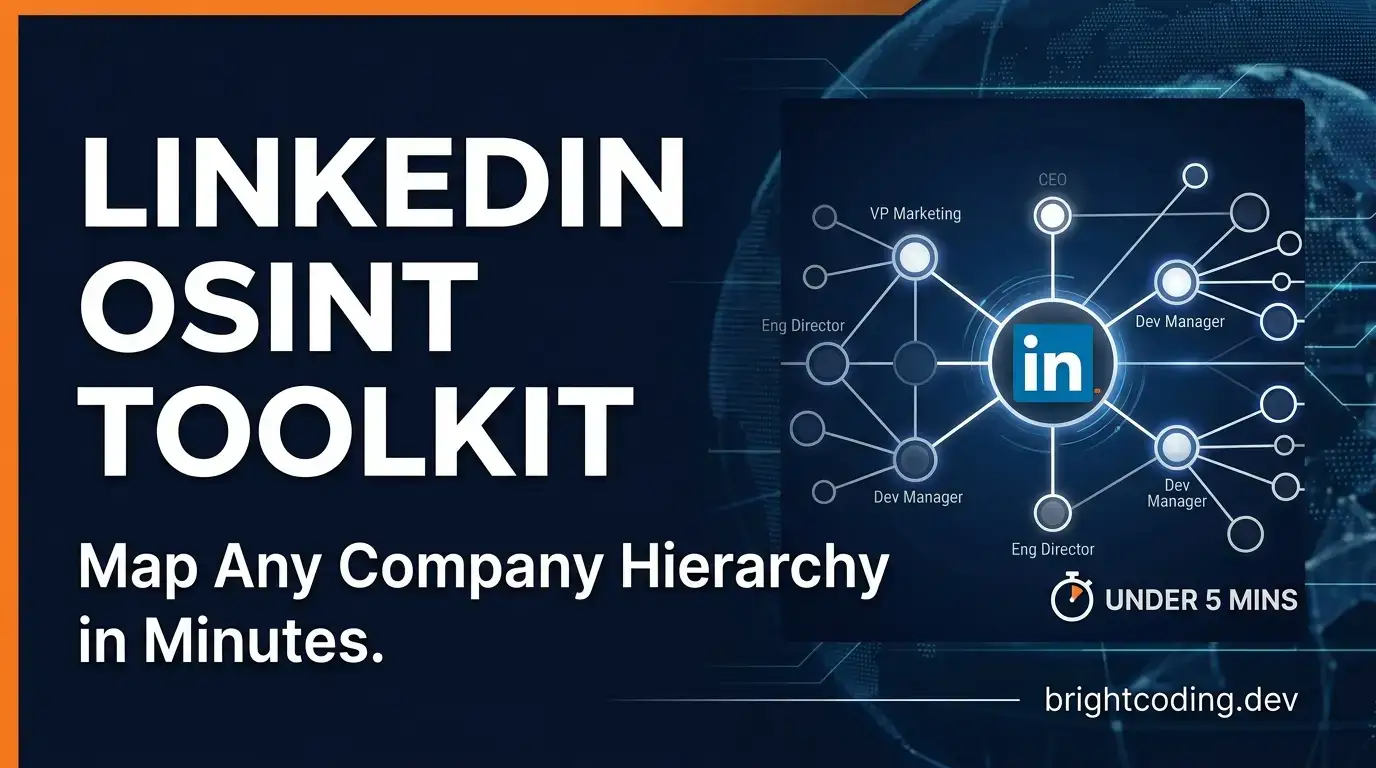
LinkedIn OSINT Toolkit: Map Any Company Hierarchy in Minutes
What if you could see the complete organizational structure of any company—every executive, every department head, every critical hire—without ever sending a connection request?
Sound impossible? It's not. In fact, security researchers, sales intelligence teams, and competitive analysts are already doing exactly this. The secret weapon they've been quietly deploying is the linkedin-osint-toolkit—a full-stack OSINT framework that transforms LinkedIn's public-facing data into interactive organizational charts with surgical precision.
Here's the painful truth most professionals refuse to acknowledge: manual LinkedIn reconnaissance is a productivity black hole. Hours wasted clicking through profiles. Days lost copying titles into spreadsheets. Weeks spent trying to piece together who reports to whom. Meanwhile, your competitors are automating this entire workflow and making strategic decisions based on complete organizational intelligence.
But what if you could compress weeks of manual research into a single command? What if a four-phase automated funnel could discover companies by region, scrape their entire employee roster, classify every role by hierarchy and department, and render the results in a stunning interactive D3.js visualization?
That's precisely what the LinkedIn OSINT Toolkit delivers. And in this deep dive, I'm going to show you exactly how it works, why it's becoming the go-to tool for serious OSINT practitioners, and how you can deploy it in under 15 minutes.
What is the LinkedIn OSINT Toolkit?
The LinkedIn OSINT Toolkit is an open-source intelligence framework created by Michael Elizarov that automates the complete pipeline of organizational discovery from LinkedIn data. Released as a full-stack Python↗ Bright Coding Blog solution under the MIT License, this toolkit has rapidly gained traction in the cybersecurity, sales intelligence, and competitive analysis communities for one simple reason: it solves a genuinely hard problem elegantly.
At its core, the toolkit implements a four-phase funnel architecture that mirrors how expert OSINT practitioners think—but executes at machine speed:
- Discover: Find target companies in any geographic region using LinkedIn's search with configurable geo codes
- Scrape: Extract employee names, titles, and profile URLs from company pages at scale
- Classify: Automatically categorize each person's role by hierarchy level (Executive to Junior) and division (Cyber, IT, Finance, Engineering, etc.)
- Deep Dive: Optionally extract comprehensive profile data including about sections, experience history, education, and skills
What makes this toolkit genuinely trend-worthy isn't just the automation—it's the intelligent design decisions baked into every layer. The unified osint_funnel.py script chains all phases with a single browser session, eliminating the authentication friction that breaks most scraping workflows. The interactive viewer (src/org_chart_viewer.html) renders results in both Tree and Matrix visualization modes powered by D3.js. And the optional Groq AI enhancement layer adds semantic intelligence that keyword-based classification alone cannot achieve.
The toolkit is trending now because it arrives at a critical inflection point: LinkedIn has become the world's most accurate professional database, yet extracting actionable organizational intelligence from it remains technically challenging. This tool bridges that gap with production-ready stealth measures, graceful interruption handling, and a modular architecture that supports everything from quick single-company lookups to massive multi-region competitive intelligence operations.
Key Features That Separate Amateurs from Pros
Let's dissect what makes this toolkit genuinely powerful—not just feature-list powerful, but architecturally superior to ad-hoc scraping scripts.
Four-Phase Funnel with Session Persistence
The unified funnel isn't marketing fluff. By maintaining a single authenticated browser session across discovery, scraping, classification, and deep dive phases, the toolkit eliminates the repeated login prompts and CAPTCHA triggers that plague multi-script workflows. Session state is managed intelligently, and partial results are preserved on interruption.
Anti-Detection Stealth Engine
This isn't basic user-agent rotation. The osint_stealth.py module implements multi-vector fingerprint evasion: rotating user agents, randomized viewport dimensions, WebDriver property hiding, human-like timing patterns with jitter, and WebRTC/telemetry disabling. Combined with SOCKS5/HTTP proxy support, this creates a detection surface that mimics genuine browser behavior rather than automated scraping.
AI-Enhanced Classification via Groq
The optional --use-ai flag integrates Groq's LLM API for semantic role classification. Unlike rigid keyword matching, the AI layer understands contextual nuances—distinguishing between a "Security Engineer" in cybersecurity versus physical security, or recognizing that "Head of Revenue Operations" maps to Executive-level Finance division. The AI never replaces the keyword classifier; it enhances confidence when semantic context provides clarity.
Graceful Interruption & Resume
Press Ctrl+C mid-scrape? OTP timeout on your phone? The toolkit captures partial results to timestamped JSON and provides seamless resume via --input. For long-running competitive intelligence operations, this reliability feature is non-negotiable.
Interactive D3.js Visualization
Raw data is worthless without insight extraction. The standalone org_chart_viewer.html supports Tree and Matrix views with search, zoom, and expand/collapse interactions—no server required, just open in any modern browser.
Three Independent Depth Levels
Enter at any operational depth: Macro for company discovery, Medium for employee roster analysis, or In-depth for individual profile intelligence. Each level has corresponding AI enhancement appropriate to its data richness.
Real-World Use Cases Where This Toolkit Dominates
1. Competitive Intelligence & Market Mapping
Venture capital firms and corporate strategy teams need to understand competitor organizational structures—who runs engineering, how large the security team is, whether key executives recently departed. The toolkit discovers all companies in a target sector and region, then maps their complete hierarchies in hours rather than weeks.
2. Security Research & Red Team Reconnaissance
Penetration testers and red teams require accurate organizational context for social engineering preparation. Knowing the exact reporting structure, identifying IT administrators versus security personnel, and understanding department boundaries enables precision-targeted engagement. The stealth features are specifically designed for this operational security requirement.
3. Sales Intelligence & Account-Based Marketing
Enterprise sales teams selling into complex organizations need to map the buying committee. The toolkit identifies decision-makers, influencers, and blockers by hierarchy level and division, then enables deep-dive profile research to personalize outreach. The classification rules cover approximately 30,000 profile patterns for accurate role identification.
4. Talent Acquisition & Headhunting
Recruiters mapping talent pools in specific companies or sectors can extract complete rosters with role classifications, then deep-dive into high-potential candidates. The batch processing capability handles multiple target companies in a single session.
5. Journalistic Investigation & Due Diligence
Investigative reporters researching corporate structures, ownership relationships, or potential conflicts of interest can systematically map organizations that lack public disclosure requirements. The geo-code discovery enables cross-border investigation at scale.
Step-by-Step Installation & Setup Guide
Ready to deploy? Here's the complete setup from zero to operational, extracted directly from the repository's tested installation flow.
Prerequisites
Before installation, ensure you have:
- Python 3.8+ installed
- Firefox browser (the toolkit uses Selenium with Firefox WebDriver specifically)
- geckodriver (auto-installed at runtime via
webdriver-manager, no manual setup needed)
Installation Commands
# Clone the repository from GitHub
git clone https://github.com/michaelelizarov/linkedin-osint-toolkit.git
cd linkedin-osint-toolkit

# Create and activate a virtual environment (isolated dependencies)
python -m venv venv
source venv/bin/activate  # Linux / macOS
# venv\Scripts\activate   # Windows

# Install all Python dependencies
pip install -r requirements.txt
Configuration Setup
The toolkit uses environment variables for credentials and optional settings. Copy the template and customize:
# Create your local environment file from the example
cp .env.example .env
Edit .env with your values:
| Variable | Required | Description |
|---|---|---|
LINKEDIN_EMAIL |
Yes | Your LinkedIn login email |
LINKEDIN_PASSWORD |
Yes | Your LinkedIn password |
GROQ_API_KEY |
No | Groq API key for AI-enhanced classification (--use-ai flag). Free tier available at console.groq.com |
LOG_LEVEL |
No | Verbosity: DEBUG, INFO, WARNING, ERROR (default: INFO) |
LOG_FILE |
No | Path for persistent logs, e.g., output/toolkit.log |
PROXY_URL |
No | Default proxy URL, e.g., socks5://127.0.0.1:9050 |
Critical operational note: The toolkit will prompt for OTP approval on your mobile device during first login. This is a one-time LinkedIn security verification. Have your phone ready when running the initial command.
REAL Code Examples: From the Repository
Let's examine actual implementation patterns from the LinkedIn OSINT Toolkit, with detailed commentary on how each component functions.
Example 1: Full Funnel Execution (Recommended Entry Point)
The osint_funnel.py script is the toolkit's crown jewel—chaining all phases with intelligent session management. Here's the exact command structure from the repository:
# Discover cybersecurity companies in the USA, scrape employees, classify roles
python src/osint_funnel.py --geo-code 103644278 --keyword "cybersecurity" --limit 5
What's happening under the hood? The --geo-code 103644278 parameter targets the United States region (geo codes are documented in docs/REFERENCE.md). The --keyword filters LinkedIn search results, and --limit 5 caps company discovery to prevent runaway execution. The script automatically:
- Authenticates via
osint_auth.pywith stealth-integrated login - Discovers companies using LinkedIn's search API surface
- Scrapes employee rosters from each company page
- Classifies all discovered titles using
osint_classify_rules.py - Outputs timestamped JSON to the
output/directory
Example 2: Resume from Interruption
Production OSINT operations fail. Networks hiccup. OTPs expire. The toolkit's graceful interruption handling is demonstrated here:
# Resume from an existing file—auto-detects format and starting phase
python src/osint_funnel.py --input output/discovered_companies_usa_20260215_120000.json
The intelligence in this pattern: The script examines the input JSON's structure to determine which phase completed last. If discovery finished but scraping was interrupted, it resumes at scraping without re-discovering. If classification was partial, it completes classification on existing data. This phase-aware resume saves hours on large operations.
Example 3: Deep Dive with Proxy Routing
For high-security operations requiring IP rotation and maximum data extraction:
# Route through SOCKS5 proxy, deep-dive top 20 profiles
python src/osint_funnel.py --geo-code 103644278 --keyword "fintech" \
  --limit 3 --deep-dive --deep-dive-limit 20 \
  --proxy socks5://127.0.0.1:9050
Operational breakdown: The --deep-dive flag enables individual profile scraping (about, experience, education, skills). --deep-dive-limit 20 restricts this expensive operation to the most relevant 20 profiles. The --proxy routes all traffic through your SOCKS5 endpoint—essential for avoiding rate limiting during intensive operations. The osint_stealth.py module combines this with UA rotation and timing randomization for defense in depth.
Example 4: AI-Enhanced Classification
The Groq integration demonstrates the toolkit's most sophisticated capability—semantic understanding of professional roles:
# AI-enhanced classification during single-company pipeline
python src/osint_pipeline.py acme-corp \
  -e your@email.com -p yourpassword --use-ai
What makes this powerful: The osint_classify_ai.py module sends title and context data to Groq's LLM with carefully engineered system prompts (stored in src/prompts/skill_classify.md). The AI returns hierarchy and division classifications with confidence scores. Crucially, as the documentation states: "AI never replaces the keyword classifier—it only enhances results when confidence is high." This hybrid approach prevents hallucination while capturing semantic nuance.
Example 5: AI-Powered Company Discovery
For macro-level intelligence with semantic relevance filtering:
# AI relevance scoring for company discovery with objective specification
python src/osint_discover.py --geo-code 103644278 \
  --keyword "cybersecurity" --use-ai \
  --search-objective "defense contractors with SOC teams"
The strategic advantage: Rather than returning all companies matching "cybersecurity," the AI scores each candidate against your specific objective. A company doing consumer antivirus scores lower than a defense contractor with explicit Security Operations Center hiring patterns. This objective-aligned filtering transforms raw discovery into prioritized intelligence.
Advanced Usage & Best Practices
Stealth Optimization
For maximum anti-detection effectiveness, combine multiple layers: use --proxy for IP rotation, ensure your proxy pool has geographic diversity matching your --geo-code, and avoid aggressive --max-pages or --max-profiles settings that create behavioral signatures. The human-like timing has jitter, but excessive speed still risks detection.
Operational Security
Run the toolkit from a dedicated VM or container. The .env file contains credentials—protect it with appropriate filesystem permissions (chmod 600 .env). Consider using a LinkedIn account separate from your personal profile for research operations.
AI Enhancement Economics
Groq's free tier is generous for evaluation, but production-scale classification may require paid credits. The --use-ai flag is most valuable for: (1) ambiguous titles that keyword rules miss, (2) deep-dive classification using full career context, and (3) search objective relevance scoring where precision matters more than recall.
Data Pipeline Integration
The timestamped JSON outputs in output/ are designed for downstream processing. Parse org_chart_TIMESTAMP.json for organizational analysis, all_companies_people_TIMESTAMP.json for raw employee data, or feed results into your CRM/intelligence platform via the consistent schema.
Classification Rule Customization
The src/classification_rules.json contains approximately 30,000 profile-derived patterns. For specialized industries, extend this with domain-specific keywords. The osint_scan.py utility analyzes your results and suggests classification overrides where patterns are ambiguous.
Comparison with Alternatives
| Capability | LinkedIn OSINT Toolkit | Manual Research | Generic Scrapers | LinkedIn Sales Navigator |
|---|---|---|---|---|
| Automated org chart generation | ✅ Native D3.js viewer | ❌ Manual diagramming | ❌ Raw data only | ❌ List views only |
| Role hierarchy classification | ✅ AI + keyword hybrid | ❌ Subjective guesswork | ❌ Unstructured text | ⚠️ Limited filters |
| Anti-detection stealth | ✅ Multi-vector evasion | N/A | ⚠️ Basic UA rotation | N/A (official API) |
| Batch multi-company processing | ✅ Session-persistent funnel | ❌ Sequential manual | ⚠️ Per-script auth | ❌ Single company focus |
| Graceful interruption/resume | ✅ Phase-aware recovery | ❌ Start over | ❌ Data loss common | N/A |
| Cost | Free (open source) | Time-intensive | Free-$50/mo | $99+/mo |
| Deep profile extraction | ✅ About, experience, education, skills | ❌ Profile-by-profile | ⚠️ Varies widely | ⚠️ Limited export |
| Proxy support | ✅ SOCKS5/HTTP | N/A | ⚠️ Often missing | N/A |
The verdict: Sales Navigator excels at individual prospecting with official API stability. Generic scrapers require significant customization for organizational intelligence. Manual research doesn't scale. The LinkedIn OSINT Toolkit uniquely combines scale, structure, stealth, and cost-effectiveness for comprehensive organizational mapping.
Frequently Asked Questions
Is the LinkedIn OSINT Toolkit legal to use?
The toolkit is released for educational and security research purposes under MIT License. Users must comply with LinkedIn's Terms of Service and applicable laws. The repository includes a legal disclaimer emphasizing responsible use. Always obtain proper authorization before analyzing organizations you don't own or have explicit permission to research.
Will LinkedIn detect and ban my account?
The toolkit implements substantial anti-detection measures, but no automation is risk-free. Use dedicated research accounts, enable proxy rotation, avoid aggressive rate limits, and respect the platform. The graceful interruption feature helps avoid suspicious session patterns by allowing natural pauses.
Do I need the Groq API key for basic functionality?
No. The AI enhancement is entirely optional. The keyword-based classifier in osint_classify_rules.py handles the majority of roles effectively. Add --use-ai only when you need semantic nuance or have the specific use cases described above.
Can I use this with browsers other than Firefox?
Currently, the toolkit specifically requires Firefox with geckodriver. This design decision prioritizes stealth characteristics available in Firefox's WebDriver implementation. Chrome/Edge support may be added in future releases—check the repository for updates.
How do I find geo codes for my target region?
Run python src/osint_discover.py --list-geo-codes to display available geographic identifiers. The docs/REFERENCE.md document contains comprehensive tables of geo codes and industry categories for manual lookup.
What happens to my data? Is anything sent to external services?
LinkedIn credentials authenticate only to LinkedIn. The Groq API key sends title/profile data to Groq's LLM only when --use-ai is explicitly enabled. All scraping results are stored locally in your output/ directory. No telemetry or analytics are collected by the toolkit authors.
Can I contribute improvements or report issues?
Absolutely. The repository includes CONTRIBUTING.md, issue templates, and a security disclosure policy in SECURITY.md. The modular architecture (osint_discover.py, osint_scrape_company.py, etc.) makes targeted contributions straightforward.
Conclusion: The Organizational Intelligence Advantage
The linkedin-osint-toolkit represents a genuine inflection point in open-source intelligence capabilities. What previously required expensive proprietary platforms or weeks of manual effort now executes from a single command—with greater stealth, better structure, and zero licensing cost.
For security researchers, this is reconnaissance infrastructure that respects operational security. For sales intelligence teams, it's competitive advantage at startup economics. For journalists and analysts, it's transparency through systematic data extraction.
The four-phase funnel architecture isn't just elegant engineering; it's how organizational intelligence should work. The AI enhancement layer isn't hype; it's a carefully bounded augmentation that improves precision without introducing hallucination risk. And the anti-detection stealth isn't an afterthought; it's production-grade evasion that keeps your operations running.
My assessment: This toolkit earns its place in any serious OSINT practitioner's arsenal. The architecture is sound, the documentation is comprehensive, and the maintainer has demonstrated sustained commitment to improvement.
Your next step: Clone the repository, configure your .env, run your first funnel command, and discover what organizational intelligence you've been missing. The complete source, documentation, and community await at github.com/michaelelizarov/linkedin-osint-toolkit.
The companies you research already expose this data. The question is whether you'll be the one to organize it into actionable intelligence.
Star the repository, contribute improvements, and join the growing community of practitioners mapping the professional world with precision.