
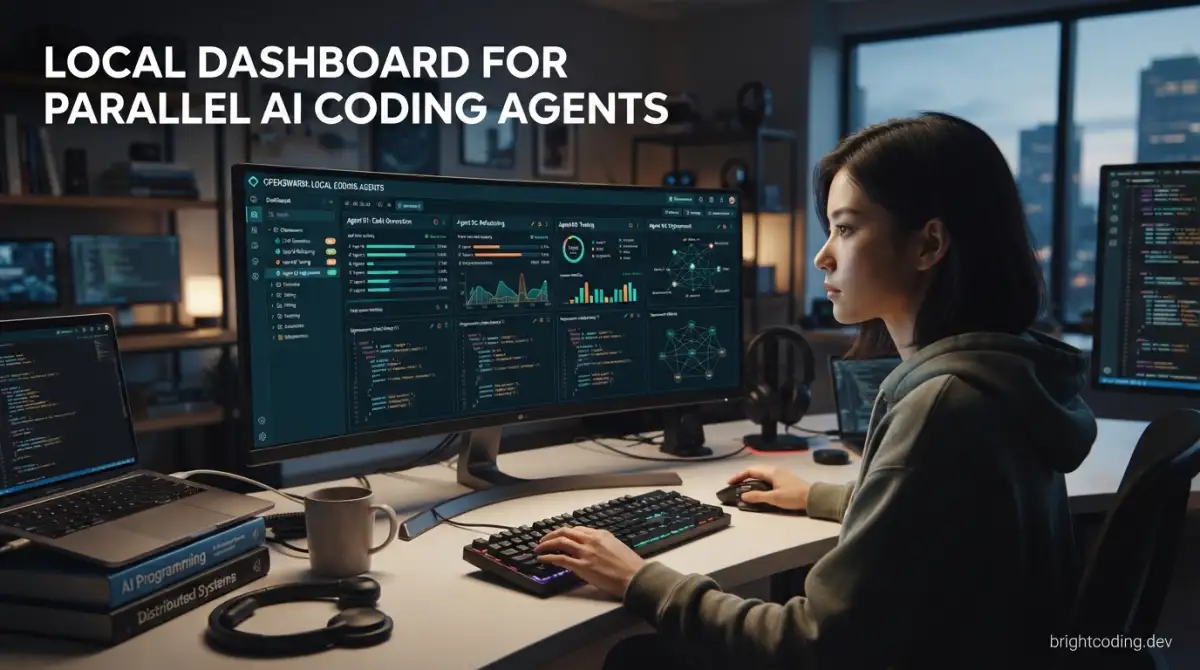
Managing multiple AI coding agents simultaneously quickly becomes chaotic. Developers find themselves juggling separate terminal windows, losing track of which agent works on which branch, and approving tool calls across disconnected interfaces. The cognitive overhead compounds with each additional agent. openswarm-ai/openswarm addresses this directly: a locally-running orchestrator that unifies parallel agent management into a single spatial dashboard.
What is openswarm-ai/openswarm?
openswarm-ai/openswarm is an open-source desktop application for orchestrating multiple AI agents in parallel. Built primarily in Python↗ Bright Coding Blog with a React↗ Bright Coding Blog/TypeScript frontend, it runs entirely on your local machine — no cloud relay, no telemetry, no third-party backend. The project holds 770 GitHub stars and 154 forks under the MIT License, with active development as of July 2026.
The tool positions itself as "mission control" for AI agent swarms. Unlike terminal-based agent runners that handle one task at a time, openswarm-ai/openswarm provides a visual canvas where you launch, monitor, and coordinate numerous coding agents simultaneously. Each agent operates in isolation through git worktrees, preventing conflicts between parallel workstreams.
The architecture follows a clear separation: an Electron shell wraps a React frontend (port 3000) communicating via WebSockets and REST to a FastAPI backend (port 8324). The backend leverages the claude-agent-sdk for agent lifecycle management and integrates with Anthropic's API. Notably, the project bundles a standalone Python 3.13 runtime via python-build-standalone, eliminating Python installation requirements for end users.
The project currently targets macOS exclusively, with Windows and Linux builds planned but not yet available. This platform limitation reflects its early stage — the core functionality exists and works, but cross-platform distribution remains on the roadmap.
Key Features
Spatial Dashboard — An infinite canvas with drag-and-drop agent cards, view cards, and embedded browser cards. You create multiple dashboards for different workspaces, panning and zooming freely across your agent swarm.
Unified Human-in-the-Loop Approvals — Every tool-use request from every agent surfaces in one approval queue. Approve or deny individually, batch-approve with Shift+A, or batch-deny with Shift+D. Per-tool permissions configure to always allow, ask, or deny — reducing interruption frequency for trusted operations.
Message Branching and Conversation Control — Edit any prior message to fork the conversation. Navigate between branches without losing context, resume closed sessions, and maintain persistent history that survives application restarts.
Git Worktree Isolation — Each agent receives its own git worktree and branch. Parallel agents working on the same repository cannot step on each other's changes. A built-in diff viewer lets you inspect uncommitted changes without leaving the application.
MCP Tool Ecosystem — Configure Model Context Protocol tool servers via stdio, HTTP, or SSE with automatic discovery. Browse the MCP registry and Google's catalog with GitHub star counts. Google Workspace OAuth integration provides Gmail, Calendar, and Drive access.
Agent Modes — Five built-in modes (Agent, Ask, Plan, View Builder, Skill Builder) plus custom user-defined modes. Each mode carries configurable system prompts and tool restrictions, letting you specialize agents for specific tasks.
Cost Tracking — Real-time USD spend tracking per agent session, visible throughout the interface. This transparency helps manage API expenses across numerous parallel agents.
Use Cases
Parallel Feature Development — A team needs to explore three implementation approaches for a new feature. Launch three agents in separate worktrees, each with different system prompts. Compare results side-by-side on the dashboard without repository conflicts.
Code Review and Refactoring at Scale — Assign multiple agents to review different subsystems simultaneously. One agent analyzes database migrations, another examines API endpoints, a third reviews frontend components. Unified approvals ensure no unauthorized changes execute.
Interactive Tool and Skill Prototyping — Use the Skills Library to manage capabilities synced to ~/.claude/skills/, or browse the Anthropic skills marketplace directly. The View Builder mode lets agents generate interactive HTML/JS/CSS artifacts rendered in iframes — useful for internal tooling prototypes.
Multi-Branch Experimentation — Fork conversations when an agent diverges from the desired path. The branching model preserves the original trajectory while exploring alternatives, with full navigation between conversation histories.
Workspace Organization — Create dedicated dashboards per project or team. One dashboard for infrastructure work, another for feature development, a third for experimental spikes — each with its own agent arrangement and context.
Installation & Setup
Desktop App (Recommended)
Download the latest release for macOS from GitHub Releases.
Windows and Linux builds are planned but not yet available.
Development Setup
Prerequisites: Python 3.11+, Node.js 18+, Git
git clone https://github.com/openswarm-ai/openswarm.git
cd openswarm
bash run.sh
This single command starts three components concurrently: the backend (port 8324), frontend (port 3000), and Electron shell. Once running, set your Anthropic API key in the in-app Settings page — no environment variable configuration required for normal usage.
To run services individually during development:
bash backend/run.sh     # API at http://localhost:8324 — docs at /docs
bash frontend/run.sh    # App at http://localhost:3000
The backend exposes OpenAPI documentation at /docs, useful for understanding available endpoints or building integrations.
Advanced Configuration
For customization beyond the in-app Settings, copy the example environment file:
cp backend/.env.example backend/.env
Key variables include:
| Variable | Purpose |
|---|---|
BACKEND_PORT |
Backend server port (default: 8324) |
GOOGLE_OAUTH_CLIENT_ID |
Google Workspace integration |
GOOGLE_OAUTH_CLIENT_SECRET |
Google Workspace integration |
APPLE_ID |
macOS code signing (release builds only) |
APPLE_APP_SPECIFIC_PASSWORD |
macOS notarization (release builds only) |
APPLE_TEAM_ID |
macOS code signing (release builds only) |
GH_TOKEN |
GitHub Releases publishing (release builds only) |
Real Code Examples
The README provides setup commands rather than extensive API examples. The following are reproduced directly from the documentation with explanatory context.
Full Application Startup
git clone https://github.com/openswarm-ai/openswarm.git
cd openswarm
bash run.sh
This is the primary entry point. The run.sh script orchestrates the Python backend, Node.js frontend, and Electron wrapper. After execution, the application window opens automatically. You then configure the Anthropic API key through the Settings UI — the design intentionally avoids environment variable setup for the standard user flow.
Individual Service Development
bash backend/run.sh     # API at http://localhost:8324 — docs at /docs
bash frontend/run.sh    # App at http://localhost:3000
Use these when debugging specific components or when the full stack↗ Bright Coding Blog restart proves too slow. The backend's /docs endpoint serves interactive OpenAPI documentation, helpful for understanding the WebSocket and REST contracts between frontend and backend.
Prompt Template Invocation
The interface supports slash commands for prompt templates and skills. Type / in any chat input to invoke available templates. This mechanism connects to the Templates app for reusable prompts with structured input fields.
Note: The current documentation does not provide extensive code-level examples for programmatic API usage. Developers seeking deeper integration should consult the OpenAPI documentation at http://localhost:8324/docs when running the backend locally, or examine the backend's FastAPI route definitions in backend/apps/.
Advanced Usage & Best Practices
Dashboard Organization — Create multiple dashboards early. The spatial canvas becomes crowded with more than 6-8 agents visible simultaneously. Separate dashboards by project, by agent mode, or by risk level (experimental vs. production-adjacent work).
Permission Configuration — Set frequently-used tools to "always allow" after initial trust verification. The default "ask" mode interrupts flow for every tool call — appropriate for unfamiliar agents, tedious for established workflows. Review the per-tool settings in the Tools Library.
Worktree Hygiene — Agents create branches automatically, but abandoned worktrees accumulate. Periodically review and remove stale branches through the diff viewer or external git commands. The current interface does not appear to automate worktree cleanup.
Cost Monitoring — With multiple parallel agents, API costs scale linearly. The real-time USD tracker per session helps, but consider setting external billing alerts with Anthropic for additional safeguards.
Keyboard Navigation — Learn the shortcuts early: D for Dashboard, T for Templates, 1–9 for agent selection, Shift+A/Shift+D for batch approvals. The application is designed for mouse-free operation during review workflows.
Comparison with Alternatives
| Feature | openswarm-ai/openswarm | Claude Desktop | Continue.dev |
|---|---|---|---|
| Local execution | Full stack local | Cloud-dependent API | Local with cloud models |
| Parallel agents | Native multi-agent | Single conversation | Single file context |
| Git worktree isolation | Built-in | Manual branch management | N/A |
| Visual dashboard | Spatial canvas | None | VS Code panel |
| Human-in-the-loop | Unified approval queue | Per-action approval | Limited tool approval |
| Platform | macOS only | Cross-platform | VS Code extension |
| Open source | MIT License | Proprietary | Apache 2.0 |
openswarm-ai/openswarm occupies a distinct niche: developers who need coordinated parallel agent execution with strict local operation. Claude Desktop offers superior model access but single-threaded interaction. Continue.dev integrates tightly with editor workflows but lacks multi-agent orchestration. The trade-off is platform restriction (macOS only) and self-hosted complexity versus the control and parallelism gains.
FAQ
Is openswarm-ai/openswarm free to use? Yes, released under MIT License. You pay only for Anthropic API usage.
Does it work without an internet connection? No — the Anthropic API requires connectivity. Local execution refers to the orchestrator, not model inference.
Can I use it on Windows or Linux? Not currently. macOS only; Windows and Linux builds are planned.
What API key is required? Anthropic API key, configured in-app via Settings.
How does agent isolation work? Each agent operates in a separate git worktree and branch, preventing file conflicts.
Is there telemetry or cloud relay? No — the project explicitly states no telemetry, no cloud relay, no third-party backend.
How active is development? Last commit July 16, 2026, with 770 stars and 154 forks indicating healthy interest.
Conclusion
openswarm-ai/openswarm solves a specific, painful problem: the chaos of managing multiple AI coding agents simultaneously. Its spatial dashboard, unified approvals, and git worktree isolation transform parallel agent work from a juggling act into a controlled process. The 100% local execution model appeals to security-conscious teams and individual developers alike.
The tool suits developers already using Claude or Anthropic models who need to scale beyond single-agent interactions — particularly those working on multi-faceted codebases where parallel exploration accelerates decision-making. The macOS exclusivity and relative youth (770 stars, active but early development) mean adopters should expect evolving functionality and contribute feedback or code.
If parallel agent orchestration with local control matches your workflow, explore the repository at https://github.com/openswarm-ai/openswarm and download the latest release.


