
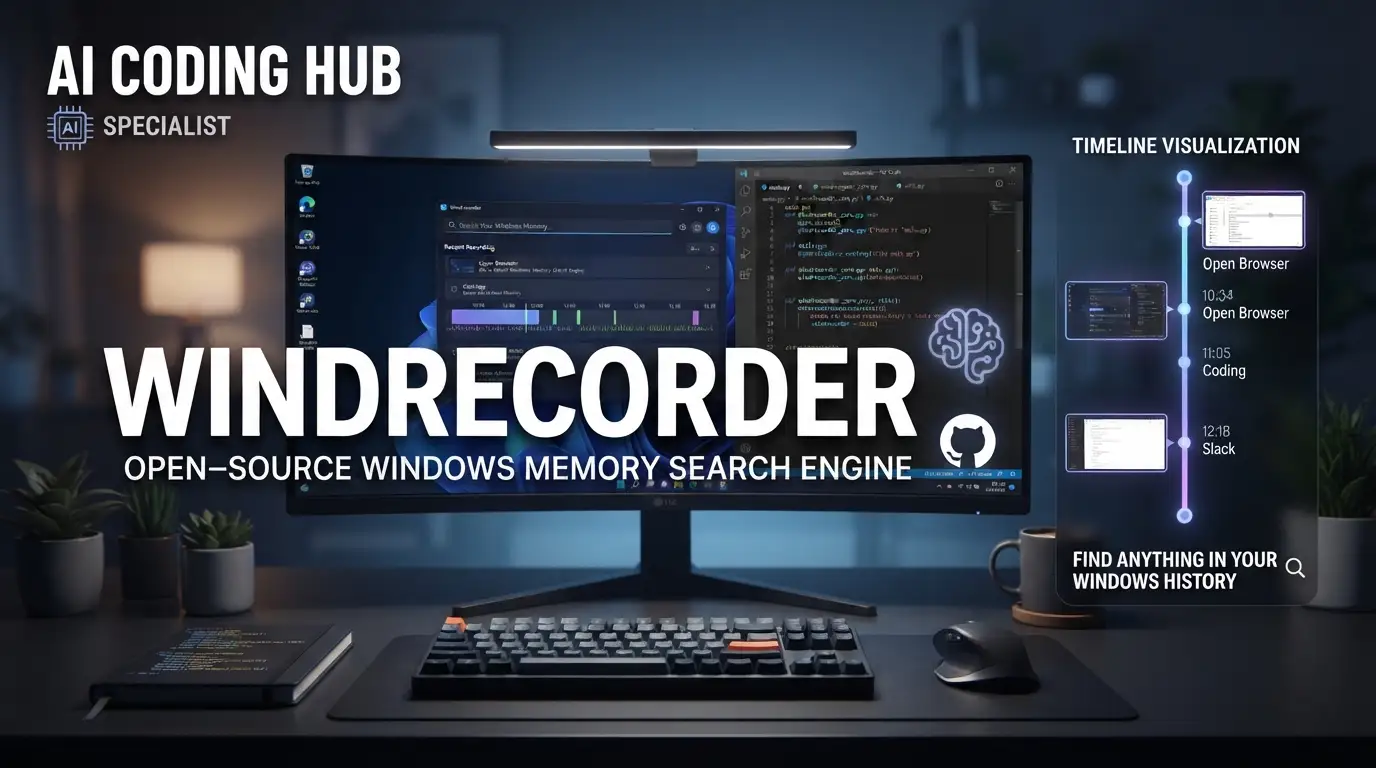
yuka-friends/Windrecorder: Open-Source Windows Memory Search Engine
Developers, researchers, and knowledge workers routinely generate thousands of screen-hours annually—terminal sessions, documentation, code reviews, design mockups, and research papers that vanish into ephemeral workspace history. Retrieving what you saw becomes a manual, often impossible task. Microsoft's Recall demonstrated commercial interest in this problem, but raised legitimate privacy concerns by processing data through cloud-connected pipelines. The open-source community responded with local-first alternatives. Windrecorder, maintained by yuka-friends, offers a fully offline Windows implementation that records screen activity, indexes content via OCR and image description, and enables semantic search across your entire computing history—without network dependency or data exfiltration.
What is yuka-friends/Windrecorder?
Windrecorder is a personal memory search application for Windows, positioned as an open-source alternative to Rewind.ai and Microsoft's Copilot Recall. The project lives at github.com/yuka-friends/Windrecorder and is implemented primarily in Python↗ Bright Coding Blog (3.11 supported; 3.12 explicitly not supported as of the last commit on 2025-09-16). It carries a GNU General Public License v2.0, ensuring derivative works remain open.
With 3,867 stars and 176 forks, Windrecorder sits in a specialized but growing category: local screen activity capture with multimodal retrieval. Unlike SaaS alternatives that stream screenshots to remote infrastructure, Windrecorder operates entirely on-device. All video recordings, SQLite databases, and statistical outputs reside in a local userdata directory. The architecture deliberately avoids internet connectivity—there is no telemetry, no cloud OCR API, no external embedding service unless explicitly configured by the user.
The project's relevance maps directly onto post-Recall discourse around data sovereignty and observability trade-offs. Developers who cannot ship screen captures to third parties—whether due to compliance requirements, IP sensitivity, or personal privacy preference—need tooling that respects these constraints without sacrificing searchability. Windrecorder's design accepts this trade-off: local storage costs, local compute for indexing, and complete user ownership of retention policies.
Key Features
Windrecorder's feature set reflects careful prioritization of storage efficiency, indexing granularity, and query flexibility:
Dual Recording Modes. The tool supports two capture strategies. Automatic Flexible Screenshots takes 3-second interval screenshots, indexes only changed scenes, and batches prior captures into 15-minute video segments. This minimizes disk usage and CPU load. Direct Video Recording via FFmpeg captures continuous 15-minute video segments with full fidelity, consuming more resources but eliminating frame-drop risk during fast-moving content.
Intelligent Idle Handling. Recording pauses automatically when screen content is static, when the active window matches exclusion rules (by title, process name, contained text, or dwell time), or when the workstation locks. During idle periods, Windrecorder performs maintenance: video compression, database cleanup, and optional image embedding generation. The README emphasizes a "set it and forget it" operational model.
Multimodal Search Index. The system extracts OCR text, window titles, and browser URLs into a queryable SQLite database. For image-semantic search, an optional extension installs under extension/install_img_embedding_module to enable vector-based retrieval. Multiple OCR backends are supported beyond Windows.Media.Ocr: RapidOCR (PaddleOCR/ONNX), WeChat OCR (optimized for Chinese/English), and Tesseract (100+ languages, multilingual simultaneous recognition). Users can contribute additional OCR engines via documented extension interfaces.
WebUI with Analytics. A complete Streamlit-based interface supports screen review, text/image queries, and data visualization: activity statistics, word clouds, timelines, light boxes, and scatter plots. LLM-based tag summarization is supported for automated content categorization.
Cross-Language UI. Built-in interface localization covers Simplified Chinese, English, and Japanese, with contribution pathways for additional languages.
Use Cases
Compliance-Conscious Development. Engineers working with proprietary codebases, financial data, or healthcare systems under HIPAA/GDPR cannot use cloud-based session replay tools. Windrecorder provides audit-trail capability without vendor access. The local SQLite database (~160 MB/month) and compressed video storage (10-20 GB/month raw, 0.1-0.7× with compression presets) keep operational costs predictable.
Research and Deep Work Recovery. Academics and analysts frequently lose source context—"which paper had that figure?" or "what was the Stack Overflow answer I dismissed yesterday?" With OCR indexing of browser content and window titles, Windrecorder enables text-based recovery without relying on browser history sync or screenshot folders scattered across ~/Desktop.
Productivity Auditing. The activity statistics, timelines, and scatter plots support quantitative self-analysis. Developers optimizing deep-work blocks can verify time allocation claims against actual screen activity patterns, using the tool's visualization layer rather than manual time-tracking.
Multilingual Documentation Work. Teams working across Chinese, English, and Japanese documentation benefit from WeChat OCR's accuracy on CJK text and Tesseract's broad language coverage—without configuring cloud translation or OCR APIs that may log input.
Offline-First Field Work. Consultants and engineers in air-gapped or intermittently connected environments (client sites, restricted networks) retain full search capability without connectivity dependencies.
Installation & Setup
Windrecorder requires Windows with three external dependencies: FFmpeg, Git, and Python 3.11. The maintainers explicitly warn that Python 3.12 is unsupported.
Step 1: Install FFmpeg
Download ffmpeg-master-latest-win64-gpl-shared.zip from BtbN/FFmpeg-Builds releases. Extract all files from the bin directory (not the directory itself) into C:\Windows\System32 or any directory on your system PATH.
Step 2: Install Git
Download from git-scm.com/download/win and proceed through the installer with default options.
Step 3: Install Python 3.11
Download python-3.11.7-amd64.exe from python.org. Critical: Check "Add python.exe to PATH" during installation.
Step 4: Clone and Install
Navigate to your target directory in File Explorer (choose a partition with adequate space). Enter cmd in the path bar to open a terminal at that location, then execute:
git clone https://github.com/yuka-friends/Windrecorder
Run install_update.bat in the cloned directory. This installs Python dependencies and configures the application.
Step 5: Launch
Execute start_app.bat. Windrecorder appears in the system tray; control via right-click menu. If the CLI window flashes and no tray icon appears, create an empty file named hide_CLI_by_python.txt in the directory and retry (documented issue #232).
For persistent operation, enable "Run on system startup" in the WebUI. All data persists in userdata; to migrate installations, delete .venv, move the directory, and re-run install_update.bat.
Real Code Examples
The Windrecorder README does not contain extensive inline code samples; the following reflects the actual documented commands and configuration patterns, presented with explanatory context.
Repository Clone Command
# Clone into current directory; ensure sufficient disk space for userdata/
git clone https://github.com/yuka-friends/Windrecorder
This is the entry point for all installations. The README emphasizes placing Windrecorder on a partition with adequate free space because the userdata directory will accumulate video segments and SQLite databases over time.
Batch File Execution for Setup
:: Run after cloning to install dependencies and configure
install_update.bat
The .bat files are Windows-specific entry points that handle virtual environment creation (venv) and dependency resolution. The README notes that migrating an installation requires deleting .venv and re-running this script—indicating the environment is not portable across machines.
Startup with CLI Hiding Workaround
:: Create empty marker file if tray icon fails to appear
:: Then restart via start_app.bat
type nul > hide_CLI_by_python.txt
start_app.bat
This documents a known issue (#232) where the Python process fails to properly detach from the console window. The workaround is explicitly community-documented rather than a hidden implementation detail.
Third-Party OCR Extension Path
# Optional: install additional OCR engines under this directory
extension/
├── install_img_embedding_module/   # For image semantic search
├── rapidocr/                       # RapidOCR (PaddleOCR/ONNX)
├── wechat_ocr/                     # WeChat OCR engine
├── tesseract/                      # Tesseract OCR
└── how_to_contribute_third_party_ocr_support.md
The extension architecture is modular. The README links to a performance benchmark reference for comparing engine accuracy and speed trade-offs.
Advanced Usage & Best Practices
Storage Planning. At 10-20 GB/month raw video (highly variable by screen activity and monitor count), plan partition capacity for your retention window. The idle-time compression can reduce this to 1-14 GB depending on preset aggressiveness. Database growth is modest at ~160 MB/month.
OCR Engine Selection. Windows.Media.Ocr requires language pack installation via Windows settings and performs adequately for Latin scripts. For Chinese-English mixed documents, WeChat OCR offers superior accuracy per the README's benchmark reference. Tesseract remains the choice for multilingual scenarios or when offline operation precludes proprietary engines.
Exclusion Rule Configuration. The README documents custom skip conditions by window title, process name, contained text, and screen still time. Proactive exclusion of password managers, video conferencing, and personal banking applications is strongly recommended before enabling continuous recording—this is a privacy best practice not explicitly enforced by the tool.
Backup Strategy. Since userdata contains all indexed data, include it in your backup regimen. The SQLite databases are standard files; standard backup tools apply. For migration, the .venv deletion/recreation pattern avoids Python path portability issues.
LLM Tag Summarization. The AI-powered tag feature requires local or configured LLM access. The README does not specify model requirements; users should verify compute resources and any model licensing independently.
Comparison with Alternatives
| Tool | Platform | Open Source | Cloud Dependency | Key Trade-off |
|---|---|---|---|---|
| Windrecorder | Windows | GPL-2.0 | None | Windows-only; manual FFmpeg setup |
| Rewind.ai | macOS | No | Partial (sync features) | Polished UX; macOS-only; subscription cost |
| screen-pipe | Cross-platform | Yes | None | Rust-based; earlier development stage; broader platform support |
| Microsoft Recall | Windows | No | Required for advanced features | Deep OS integration; significant privacy controversy |
Windrecorder's explicit positioning against Recall and Rewind is accurate: it matches core memory-search functionality with complete data locality. The trade-off is setup complexity (FFmpeg, Python version pinning, batch-file orchestration) versus turnkey SaaS experiences. For developers prioritizing auditability and source-code access, this trade-off is intentional and acceptable. [INTERNAL_LINK: open-source-observability-tools]
FAQ
Q: Does Windrecorder work on macOS or Linux? A: No. Windows-only as of the latest commit.
Q: What Python version is required? A: Python 3.11 explicitly; 3.12 is unsupported.
Q: Is my data ever transmitted externally? A: No. All processing is local by design. No internet connection required.
Q: How much disk space will this consume? A: 10-20 GB/month raw video, compressible to 0.1-0.7×; ~160 MB/month for the database.
Q: Why does the WebUI show no recent data?
A: The indexer may be running; wait or delete _TEMP_READ.db files in db/ and refresh.
Q: Can I exclude specific applications from recording? A: Yes, by window title, process name, contained text, or screen still time.
Q: Is commercial use permitted under the license? A: GPL-2.0 allows commercial use with source disclosure requirements for distributed derivatives.
Conclusion
Windrecorder occupies a precise niche: developers and knowledge workers on Windows who need comprehensive screen activity search without surrendering data to cloud infrastructure. Its 3,867-star traction indicates genuine demand for local-first alternatives in the post-Recall privacy landscape. The tool is not turnkey—it demands FFmpeg familiarity, Python environment management, and proactive exclusion configuration—but delivers exactly the auditability and control that motivated its creation.
The project remains in early development; the README candidly warns of "minor problems in experience and use." Contributors are explicitly welcomed via issues, discussions, and pull requests. For Windows users evaluating screen recording and memory search solutions, Windrecorder offers a credibly private, inspectable, and extensible foundation.
Explore the repository, review the third-party OCR benchmarks, and determine whether its local-first architecture aligns with your operational constraints: https://github.com/yuka-friends/Windrecorder


