
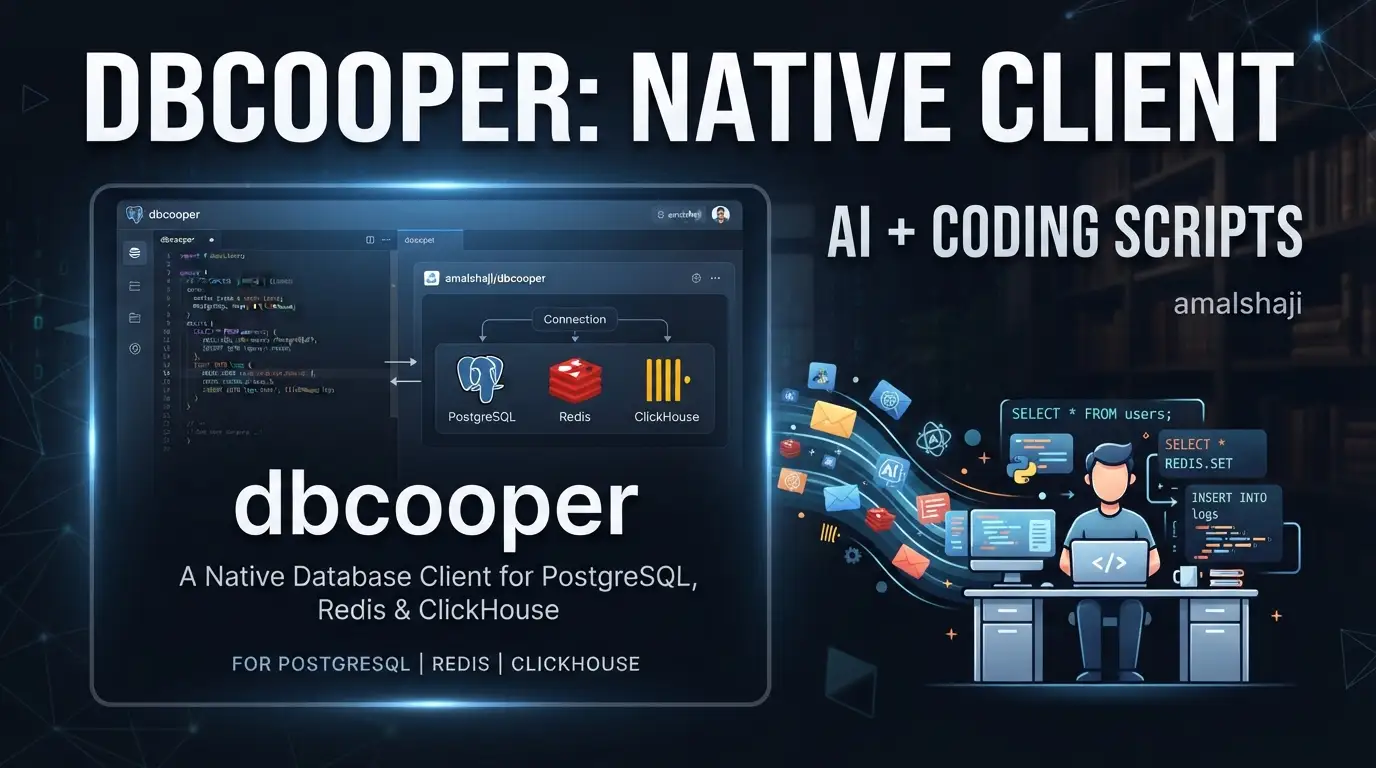
amalshaji/dbcooper: A Native Database Client for PostgreSQL↗ Bright Coding Blog, Redis & ClickHouse
Developers managing multiple database engines often face a frustrating choice: web-based tools that feel sluggish, or heavyweight IDEs that consume excessive resources. Switching between PostgreSQL for relational data, Redis for caching, and ClickHouse for analytics typically means juggling separate clients or settling for Electron-based apps with bloated memory footprints. amalshaji/dbcooper addresses this directly with a native, Tauri-powered application that unifies PostgreSQL, SQLite, Redis, and ClickHouse in a single lightweight interface.
Built with Rust and TypeScript rather than Electron, dbcooper delivers native performance through Tauri v2's minimal runtime. The project is open-source under MIT license, actively maintained with 456 GitHub stars and 31 forks as of its last commit on July 11, 2026. This article examines what dbcooper offers, how it fits into modern development workflows, and whether its architecture makes sense for your stack.
What is amalshaji/dbcooper?
amalshaji/dbcooper is a desktop database client developed by amalshaji that provides unified access to four database engines: PostgreSQL, SQLite, Redis, and ClickHouse. Unlike browser-based alternatives or cross-platform Electron applications, dbcooper compiles to native macOS binaries using Tauri v2, a Rust framework for building lightweight desktop applications with web frontends.
The project's technical architecture reflects contemporary preferences in developer tooling. The frontend uses React↗ Bright Coding Blog with TypeScript and Vite for fast development builds, while the backend runtime is written in Rust. For UI components, dbcooper adopts shadcn/ui, a collection of reusable components built on Radix UI primitives. Local application state and metadata storage uses SQLite, with PostgreSQL handling actual database connections. The entire project uses Bun as its JavaScript↗ Bright Coding Blog runtime and package manager.
With 456 stars and relatively modest adoption (31 forks), dbcooper sits in the emerging phase of open-source projects—functional and usable, but not yet battle-tested at enterprise scale. The MIT license permits commercial use without restriction. Current platform support is explicitly limited to macOS 26 (Tahoe) or later on Apple Silicon, indicating the maintainer is prioritizing a polished single-platform experience over premature cross-platform expansion.
The project's relevance stems from two technical bets: Tauri's promise of near-native performance compared to Electron, and the growing developer preference for consolidated tooling that reduces context-switching between database systems.
Key Features
Multi-engine database support forms dbcooper's core value proposition. Rather than installing separate clients for PostgreSQL relational queries, Redis key-value operations, ClickHouse analytical workloads, and SQLite local storage, developers access all four through a consistent interface. This consolidation reduces cognitive overhead when working across polyglot persistence architectures.
AI-powered SQL generation distinguishes dbcooper from traditional database clients. The implementation supports three integration patterns: OpenAI-compatible APIs (configurable endpoint, API key, and model), or local CLI tools including Claude Code, Codex CLI, and opencode. The latter options leverage existing authentication and local installations rather than requiring additional API credentials. When generating queries, dbcooper feeds the AI model the natural language instruction, existing editor SQL, and selected table/column schema metadata—improving accuracy through contextual awareness.
Native performance via Tauri v2 addresses a genuine pain point in developer tooling. Electron applications routinely consume 200-400MB of RAM for simple database clients due to bundling Chromium. Tauri's architecture uses the operating system's native WebView (WKWebView on macOS), dramatically reducing memory overhead and improving startup times. For developers who keep database clients running throughout their workday, this efficiency compounds.
Modern development workflow integration appears in the release automation and build configuration. GitHub Actions handle the entire release pipeline: version bumps in tauri.conf.json, tag creation, signing with configurable private keys, and draft release publication. The updater infrastructure supports automatic application updates once properly configured with signing secrets.
Use Cases
Full-stack development with multiple persistence layers represents dbcooper's natural fit. A typical modern application might use PostgreSQL for transactional data, Redis for session storage and caching, and ClickHouse for event analytics. Without dbcooper, this requires three separate client applications or terminal-based tools with inconsistent interfaces. Dbcooper unifies these into a single application with shared connection management and query history.
Analytics engineering workflows benefit specifically from the ClickHouse integration combined with AI SQL generation. ClickHouse's SQL dialect, while ANSI-SQL compatible, includes specialized functions for time-series aggregation and materialized views. The AI assistant can help engineers unfamiliar with ClickHouse specifics generate performant queries while learning the syntax through generated examples.
Local development and prototyping with SQLite is streamlined by dbcooper's native performance. SQLite databases are frequently used for application testing, local caching, or embedded analytics. A lightweight client that doesn't consume excessive resources fits naturally into development environments where multiple services already run simultaneously.
Remote database administration on macOS benefits from the native application experience. Web-based tools require browser tabs and may have inconsistent offline behavior. Dbcooper's native menus, keyboard shortcuts, and system integration (including Gatekeeper-compliant distribution via Homebrew) provide a more predictable administrative experience for teams standardized on Apple Silicon Macs.
AI-assisted query exploration serves developers working with unfamiliar schemas or complex analytical requirements. Rather than constructing multi-table joins manually or researching aggregation syntax, natural language descriptions generate starting queries that can be refined. This accelerates exploration phases while maintaining human review before execution.
Installation & Setup
Dbcooper provides two installation methods for macOS, with Homebrew recommended for automatic Gatekeeper handling.
Homebrew (recommended)
brew install --cask --force amalshaji/taps/dbcooper
Homebrew's --cask flag installs macOS applications, while --force ensures reinstallation if a previous version exists. The amalshaji/taps/dbcooper references a custom Homebrew tap maintained by the project author. This method automatically clears Gatekeeper quarantine attributes, allowing immediate first launch without security dialogs.
Direct download
For manual installation, download the latest .dmg from the Releases page.
Critical for macOS users: Before opening the app for the first time, bypass Gatekeeper since the application is not notarized:
xattr -cr /Applications/DBcooper.app
The xattr -cr command recursively clears all extended attributes, including com.apple.quarantine which triggers Gatekeeper warnings for unsigned applications. This step is required because dbcooper currently lacks Apple notarization, a common situation for independent open-source macOS applications. After running this command, open the app normally through Launchpad or Finder.
Development environment setup
Contributors or those building from source require:
- Bun — JavaScript runtime and package manager
- Rust — For Tauri backend compilation
- macOS 26 (Tahoe) or later
# Install dependencies
bun install

# Run in development mode with hot reload
bun run tauri dev

# Regenerate platform icons after changing icon.png or src-tauri/macos/AppIcon.png
bun run icons

# Build optimized production bundle
bun run tauri build
The bun run tauri dev command starts both the Vite development server for the React frontend and the Rust backend with automatic reloading. The bun run icons step is necessary because Tauri embeds platform-specific icon formats and macOS asset catalogs that must be regenerated from source images.
Real Code Examples
The README provides specific configuration and workflow examples rather than extensive API documentation. These reflect the project's current documentation state.
AI SQL generation configuration
Dbcooper's AI integration requires explicit provider selection through the Settings interface. The README documents the configuration pattern:
1. Go to Settings (gear icon) and choose an AI provider:
   - OpenAI-compatible API: configure an API key, endpoint, and model.
   - Claude Code, Codex CLI, or opencode: DBcooper uses your local CLI
     install and existing login.
This configuration-first approach respects developer preferences for API key management. The OpenAI-compatible option supports self-hosted models or alternative providers (such as [INTERNAL_LINK: local-llm-deployment]) through configurable endpoints, while the CLI integrations avoid API key proliferation by leveraging existing authenticated installations.
Natural language to SQL workflow
The query editor implements a specific interaction pattern for AI generation:
2. In the Query Editor, you'll see an instruction input above the SQL editor:
   - Type a natural language description (e.g., "show all users with
     posts from last week")
   - Click Generate or press Enter
   - Review the generated SQL before running it
The explicit review step before execution is architecturally significant—dbcooper treats AI-generated SQL as a draft requiring human validation rather than auto-executing. This safety pattern prevents destructive operations from misinterpreted natural language instructions.
Release automation workflow
The GitHub Actions configuration demonstrates modern release engineering practices:
# 1. Update version in src-tauri/tauri.conf.json
# 2. Open PR with 'release' label
# 3. Merge to main
# 4. GitHub Actions creates tag (e.g., v0.0.42), builds draft release
# 5. Review and publish
Two repository secrets enable signed releases:
TAURI_SIGNING_PRIVATE_KEY— Contents of signing key fileTAURI_SIGNING_PRIVATE_KEY_PASSWORD— Password if set
This automation reduces release friction while maintaining cryptographic verification for application updates. The signing infrastructure is required for Tauri's built-in updater to validate downloaded binaries.
Advanced Usage & Best Practices
Schema-aware AI prompting improves generation quality significantly. The README notes that dbcooper sends "selected table/column schema metadata" to the AI model. For best results, explicitly select relevant tables in the interface before requesting query generation rather than relying on the model to infer schema from natural language alone.
Local CLI tool prioritization offers operational advantages. Claude Code, Codex CLI, and opencode integrations use existing authentication sessions and avoid network latency to remote APIs. For teams with strict data handling requirements, local execution also prevents query schemas from leaving the development machine.
Icon regeneration discipline prevents subtle build issues. The README explicitly warns that bun run icons must execute after any icon asset changes. Tauri's platform-specific icon embedding means stale assets produce broken application bundles without obvious errors during standard development builds.
Version management for releases requires understanding the automated pipeline. Since GitHub Actions creates tags from merged PRs, manual tag creation would duplicate or conflict with automation. Teams forking dbcooper should preserve this workflow or fully replace it rather than mixing manual and automated releases.
Platform limitation awareness is essential for adoption planning. The explicit macOS 26+ and Apple Silicon requirement means dbcooper cannot serve mixed-platform teams or Intel Mac users. This is a deliberate scope choice by the maintainer, not a temporary limitation.
Comparison with Alternatives
| Tool | Architecture | Platforms | Key Differentiator | Trade-off vs dbcooper |
|---|---|---|---|---|
| TablePlus | Native (Cocoa/AppKit) | macOS, Windows, Linux | Mature, extensive driver support | No AI generation; commercial licensing |
| Beekeeper Studio | Electron | Cross-platform | Open-source, broad database support | Higher resource usage; no built-in AI |
| DBeaver | Eclipse RCP | Cross-platform | Extensive enterprise features | Heavyweight; complex configuration |
TablePlus offers the closest native macOS experience but lacks dbcooper's AI integration and requires paid licenses for full functionality. Beekeeper Studio matches dbcooper's open-source model and MIT licensing but uses Electron with corresponding resource overhead. DBeaver serves enterprise scenarios with comprehensive database support but carries significant complexity and startup latency.
Dbcooper's position is distinctive: native performance through Tauri, modern React/TypeScript frontend architecture, and AI integration—at the cost of single-platform support and early-project stability. Teams exclusively on Apple Silicon macOS who value lightweight tooling and experimental AI features may prefer dbcooper; those needing cross-platform consistency or mature reliability should evaluate alternatives.
FAQ
What databases does dbcooper support? PostgreSQL, SQLite, Redis, and ClickHouse as documented in the README.
Is dbcooper free for commercial use? Yes, MIT licensed without usage restrictions.
Why does installation require Gatekeeper bypass?
The application is not notarized; xattr -cr clears quarantine attributes for first launch.
Can I use dbcooper on Windows or Linux? Currently no—macOS 26 (Tahoe) or later on Apple Silicon is explicitly required.
How does AI SQL generation handle data privacy? OpenAI-compatible APIs send schema metadata to configured endpoints; local CLI tools process data on-machine.
What triggers automated releases?
Merging a PR with the release label into main, after updating tauri.conf.json version.
Is dbcooper stable for production database administration? With 456 stars and active maintenance, it's functional but early-stage—evaluate against your reliability requirements.
Conclusion
amalshaji/dbcooper represents a focused experiment in modern database client architecture: Tauri's native performance, React's developer experience, and AI-assisted query generation unified for specific database engines. It serves Apple Silicon developers working across PostgreSQL, SQLite, Redis, and ClickHouse who prioritize lightweight tooling and are willing to accept single-platform limitations and early-project maturity.
The project is not yet a universal replacement for established cross-platform tools. Its value proposition is specific: native performance without Electron's overhead, consolidated multi-engine access, and genuinely useful AI integration that respects developer control through explicit review steps. For teams matching its platform constraints and technical preferences, dbcooper warrants evaluation.
The source code, releases, and contribution guidelines are available at https://github.com/amalshaji/dbcooper. Given its active maintenance and clear technical direction, interested developers should monitor or contribute to its evolution—particularly as Tauri v2 matures and cross-platform support potentially expands.


