
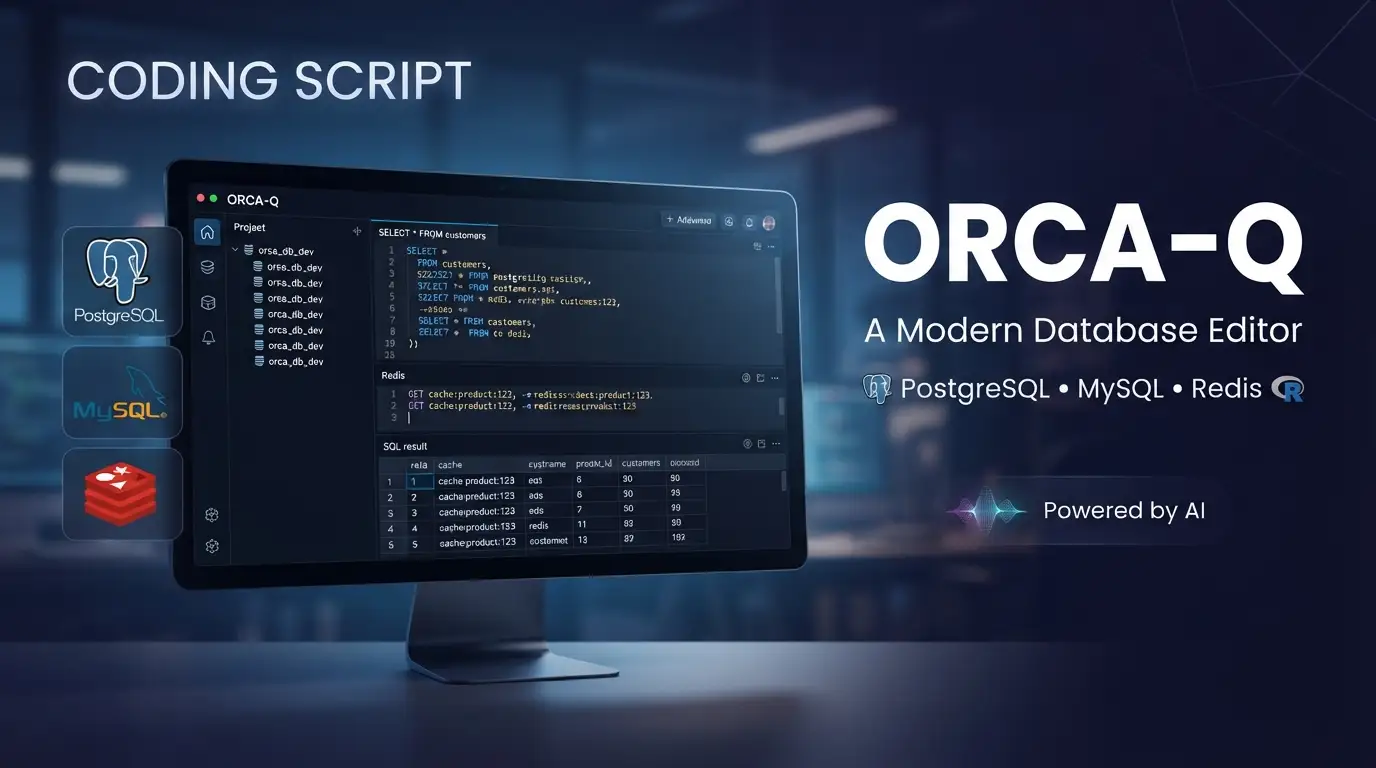
cin12211/orca-q: A Modern Database Editor for PostgreSQL↗ Bright Coding Blog, MySQL↗ Bright Coding Blog & Redis
Managing multiple database engines across local development and production environments remains a persistent friction point for backend engineers and DevOps↗ Bright Coding Blog teams. Switching between CLI clients, vendor-specific GUIs, and browser-based admin panels fragments workflow context and slows incident response. cin12211/orca-q addresses this directly: it's an open-source, MIT-licensed database editor supporting PostgreSQL, MySQL, MariaDB, Oracle, SQLite, and Redis from a single interface. With 210 GitHub stars and active development as of July 2026, it represents a credible alternative to fragmented tooling for developers who value unified workspace management and AI-assisted querying.
What is cin12211/orca-q?
cin12211/orca-q (branded as OrcaQ) is a next-generation database editor built primarily in TypeScript and distributed under the MIT License. The project is maintained by cin12211 with 14 community forks, indicating early but genuine adoption beyond the core maintainer. It occupies the technical category of database management tools—specifically a cross-platform GUI client with both desktop and web deployment options.
OrcaQ distinguishes itself through family-aware architecture: rather than assuming every connection is SQL-relational, the UI adapts its panels, activity bar items, and route fallbacks based on whether you're working with an SQL database or Redis. This design choice reflects modern polyglot persistence environments where teams run PostgreSQL for transactional data alongside Redis for caching and session management.
The project ships in four distribution modes: native desktop applications (macOS and Linux, Windows pending), ephemeral npx execution, local development builds via Bun/Nuxt, and containerized Docker↗ Bright Coding Blog deployment. This flexibility matters for teams with heterogeneous development environments or security policies that restrict local package installation.
Relevance in 2026 stems from two converging trends: the proliferation of managed database services requiring secure connection handling (SSH tunnels, SSL modes), and the integration of LLM-based assistants into developer workflows. OrcaQ's Orca Agent feature directly addresses the latter, while its connection security options handle the former without requiring separate VPN or bastion tooling.
Key Features
Workspace & Connection Management forms the organizational backbone. Developers group related connections into named workspaces with custom icons and descriptions, reducing cognitive load when context-switching between production monitoring and schema development. Security configuration includes SSH tunneling, SSL mode selection, connection health checks, and environment tags with strict-mode confirmations for sensitive databases.
Schema Exploration provides searchable sidebar navigation across schemas, tables, views, functions, and sequences. Context actions include quick query generation, rename operations, DDL preview, and direct ERD visualization opening. The File Explorer manages SQL files and folders with nested organization, drag-and-drop reordering, and search—effectively treating query scripts as first-class project artifacts.
Query Execution spans two modes: Quick Query for grid-based table exploration with pagination, sorting, filtering, inline editing, and bulk actions; and Raw SQL Editor built on CodeMirror with autocomplete, formatting, variable substitution, EXPLAIN analysis, and persisted query files. The Redis workspace substitutes SQL panels with key browsing, type-aware value inspection (string/hash/list/set/zset), command workbench execution, and ACL-limited state handling.
Database Administration Tools include interactive ERD diagrams with zoom, pan, and searchable table navigation; role and permission management with inheritance and bulk updates; PostgreSQL-specific instance insights (activity, sessions, locks, replication, configuration); schema diff with migration SQL generation and safe mode for destructive change reduction; and backup/restore workflows with format selection, scope filtering, compression, and progress tracking.
AI Integration via Orca Agent supports natural-language schema questions, SQL generation, query explanation, anomaly detection, data visualization, and ERD rendering. Notably, mutation queries require explicit confirmation—the agent surfaces generated SQL rather than auto-executing, addressing legitimate concerns about LLM-driven data corruption.
Use Cases
Multi-Environment Database Administration: Teams running PostgreSQL in production, MySQL in legacy systems, and Redis for caching can consolidate tooling. The workspace model separates connections by environment tag, while strict-mode confirmations add friction to production mutations—intentional safety design.
Schema Migration Development: The schema diff tool compares schemas across connections and generates migration SQL. Safe mode reduces destructive output, making it suitable for iterative migration development where accidental table drops would be catastrophic. This pairs naturally with version-controlled migration workflows in frameworks like [INTERNAL_LINK: database-migration-tools].
Redis Operations Without Context Switching: Developers accustomed to redis-cli or dedicated Redis GUIs can execute type-aware inspections and workbench commands within the same application managing their relational databases. The family-aware shell hides SQL-only panels automatically, reducing interface clutter.
AI-Assisted Query Construction: Analysts or backend developers less fluent in complex SQL can describe desired results in natural language, review generated queries, and execute after validation. The explicit confirmation requirement for mutations makes this viable for production troubleshooting rather than restricted to development environments.
Cross-Platform Team Standardization: With desktop builds for macOS and Linux, npx for quick trials, and Docker for standardized deployment, teams can agree on a single tool regardless of individual OS preferences or organizational restrictions on local installations.
Installation & Setup
Desktop Application (Recommended)
Download the latest build from GitHub Releases. Available formats:
- macOS:
.dmg,.zip - Linux:
.AppImage,.deb - Windows: listed as "comming soon" in documentation
The desktop build provides full functionality including SQLite file connections, in-app updates, recent connections, and multi-window support.
NPX (Quick Local Execution)
npx orcaq
Requirements: Node.js >= 18. The application starts on http://localhost:9432.
Limitation:
npxdoes not support SQLite file connections. Use the desktop app for local SQLite database workflows.
Local Development
git clone https://github.com/cin12211/orca-q.git
cd orcaq
bun install
npm run nuxt:dev
This path is recommended for contributors or those requiring source modifications. The project uses Bun for package management and Nuxt for the development server.
Docker Deployment
docker run -d \
  --name orcaq \
  --restart unless-stopped \
  -p 9432:9432 \
  cinny09/orcaq:latest
Access via http://localhost:9432. This suits environments where installing Node.js tooling is undesirable or prohibited, providing clean isolation without local dependency management.
Real Code Examples
The README provides two primary command-line patterns for running OrcaQ. Below are the documented examples with contextual explanation.
NPX Execution:
npx orcaq
This single command downloads and executes the latest published version without permanent installation. It targets rapid evaluation or temporary access needs. The implicit trade-off is loss of SQLite file support and absence of desktop-native features like multi-window operation.
Docker Container Launch:
docker run -d \
  --name orcaq \
  --restart unless-stopped \
  -p 9432:9432 \
  cinny09/orcaq:latest
Breaking this down: -d detaches the container to background operation; --name orcaq enables predictable container management; --restart unless-stopped ensures recovery from host reboots; -p 9432:9432 exposes the application's default port. The image cinny09/orcaq:latest (note: cinny09 versus cin12211 in the GitHub org) pulls from Docker Hub rather than GitHub Container Registry.
Development Server Start:
npm run nuxt:dev
Executed after bun install in the cloned repository, this starts the Nuxt development server with hot module replacement. The bun install prerequisite indicates Bun as the preferred package manager, though npm commands are used for script execution—possibly for cross-compatibility or contributor familiarity.
The README does not contain SQL query examples, database configuration snippets, or API call demonstrations. This reflects the tool's GUI-centric design philosophy rather than a documentation gap: OrcaQ is fundamentally a visual client, not a programmatic library.
Advanced Usage & Best Practices
Connection Security Hardening: Configure SSH tunnels and SSL modes for all production connections. The strict-mode confirmation for sensitive databases should remain enabled—this adds deliberate friction that prevents accidental schema or data mutations during incident response or exploration.
Workspace Organization by Function: Rather than organizing workspaces by environment (dev/staging/prod), consider functional boundaries: "Analytics" (read-only reporting connections), "Application" (OLTP databases), "Cache Layer" (Redis instances). This aligns with how developers context-switch during different task types.
Query File Versioning: The File Explorer persists SQL files within OrcaQ's application data. Export these regularly via the app data backup feature, or better, maintain canonical versions in your project's repository and import as needed. This prevents loss of analytical queries during application reinstalls.
AI Agent Verification Workflow: Always review generated SQL before confirming mutations. The Orca Agent's explicit confirmation requirement is a safety feature, not an inconvenience—treat it as mandatory code review for machine-generated database operations.
PostgreSQL-First Feature Expectations: Advanced administration (roles, instance insights, detailed metrics) is intentionally PostgreSQL-first. MySQL, MariaDB, and Oracle users should verify specific feature availability against their workflows before committing to OrcaQ as primary tooling.
Comparison with Alternatives
| Tool | Primary Strength | OrcaQ Differentiation | Trade-off |
|---|---|---|---|
| DBeaver | Universal JDBC support, mature ecosystem | OrcaQ offers native Redis integration and AI assistance; more modern web-tech UI | DBeaver has broader database support and plugin ecosystem |
| TablePlus | Polished native experience, speed | OrcaQ is open-source (MIT) with npx/Docker deployment options | TablePlus has more mature Windows support and native feel |
| pgAdmin | Deep PostgreSQL specialization | OrcaQ handles multiple databases plus Redis in unified interface | pgAdmin offers more advanced PostgreSQL-specific administration |
OrcaQ's positioning is polyglot consolidation with modern deployment flexibility. Teams exclusively on PostgreSQL with deep administration needs may still prefer pgAdmin; teams requiring Redis alongside SQL databases gain particular value from unified tooling.
FAQ
What databases does cin12211/orca-q support? PostgreSQL, MySQL, MariaDB, Oracle, SQLite (managed and desktop file), and Redis.
Is Windows supported? Desktop builds for Windows are listed as "comming soon"; use npx or Docker on Windows currently.
What license applies? MIT License—free for commercial and personal use with standard MIT attribution requirements.
Can I use SQLite with npx? No. SQLite file connections require the desktop application; managed SQLite (Cloudflare D1, Turso) works via standard connection paths.
Does the AI agent auto-execute generated SQL? No. Mutation queries require explicit user confirmation after SQL review.
How active is development? Last commit dated 2026-07-05 with 210 stars and 14 forks—indicating maintained, early-stage project.
What's the minimum Node.js version? Node.js >= 18 for npx and local development installations.
Conclusion
cin12211/orca-q offers a credibly engineered solution for developers managing heterogeneous database environments. Its family-aware architecture, multiple deployment options, and cautious AI integration distinguish it from both legacy universal clients and single-engine specialized tools. The project suits backend teams running PostgreSQL with Redis, organizations seeking MIT-licensed alternatives to commercial database GUIs, and developers who value workspace-based connection organization.
The 210-star, 14-fork metrics indicate early adoption rather than established dominance—appropriate expectations matter. PostgreSQL users gain the fullest feature set; MySQL/MariaDB/Oracle users should verify specific workflow coverage. Windows desktop support remains pending.
For teams matching its supported stack and deployment flexibility requirements, OrcaQ warrants evaluation. Start with npx orcaq for immediate testing, or explore the full feature set via desktop download. Review the source, contribute, or report issues at https://github.com/cin12211/orca-q.