
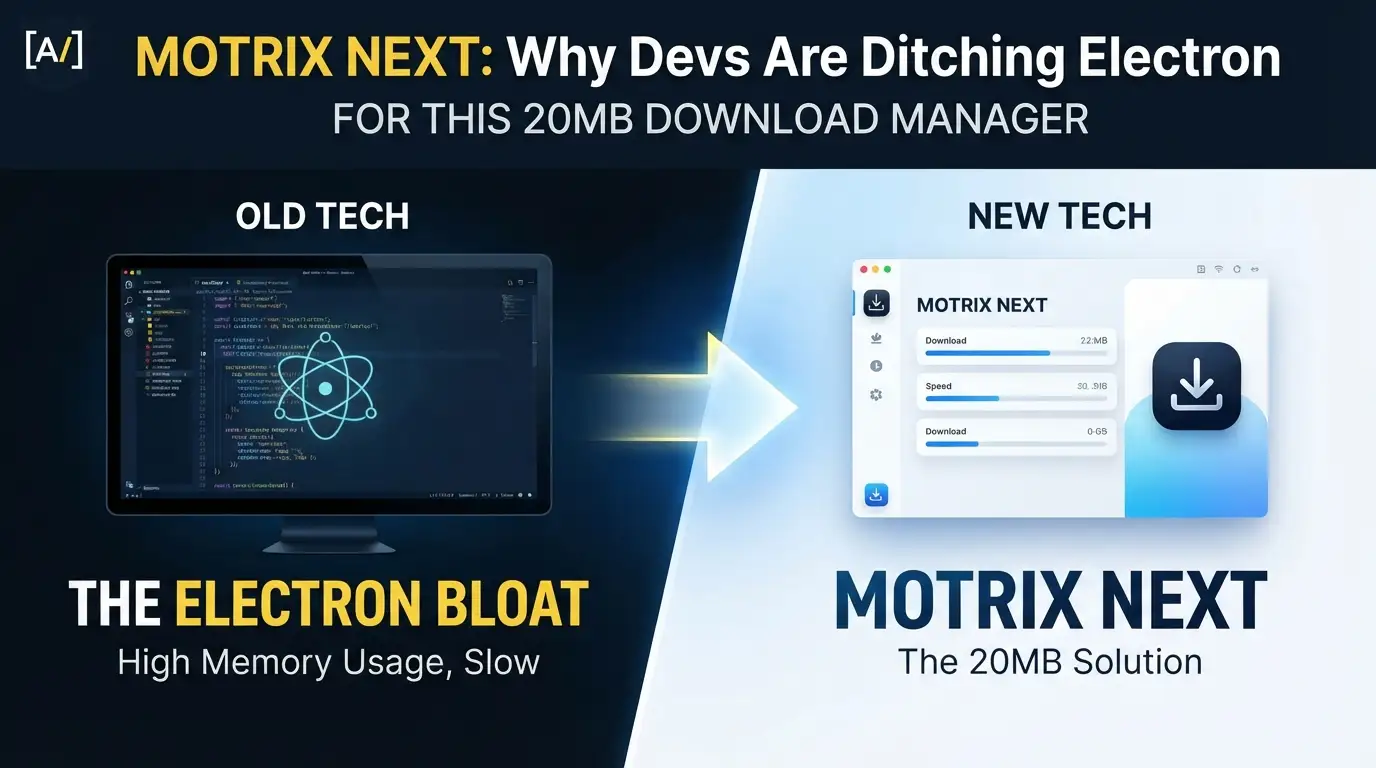
Motrix Next: Why Devs Are Ditching Electron for This 20MB Download Manager
What if I told you the download manager you loved has been reborn from ashes—not as another bloated Electron app, but as a 20MB lightning bolt that makes 80MB alternatives look like relics from 2019?
Here's the brutal truth: Electron is eating your RAM alive. While you were busy coding, your "lightweight" apps were secretly hoarding hundreds of megabytes, spinning up Chromium instances like popcorn, and treating your battery like an all-you-can-eat buffet. The original Motrix? A beautiful, beloved download manager that died from technical debt—stuck on Vue 2, Vuex, and an Electron stack that hadn't seen meaningful updates since 2023.
But someone didn't just fork it. They burned it down and rebuilt the cathedral.
Enter Motrix Next—the Tauri 2 rewrite that preserves everything you loved about the original while delivering 4x smaller bundles, native Rust performance, and a Vue 3 + TypeScript frontend that feels like it was designed in 2025, not 2018. This isn't an update. It's a hostile takeover of everything wrong with desktop JavaScript↗ Bright Coding Blog apps.
Ready to see what happens when a PhD student surviving on instant noodles decides to fix download management forever? Let's dive into the most exciting desktop application rewrite of the year—and why Motrix Next might just become your new default before you finish this article.
What Is Motrix Next?
Motrix Next is a ground-up rewrite of the acclaimed Motrix download manager, built by AnInsomniacy—a developer who looked at a dormant open-source legend and asked: "What if we kept the soul but replaced every organ?"
The original Motrix by agalwood earned its place as one of the best open-source download managers ever created. Clean interface. aria2-powered engine. Cross-platform freedom. It inspired thousands. Then silence—the project went largely inactive after 2023, its Electron + Vue 2 + Vuex + Element UI stack accumulating technical debt like digital barnacles.
Motrix Next doesn't patch that legacy. It obliterates it.
At its core sits Aria2 Next—a maintained fork of the legendary aria2 download engine, modernized for current toolchains and release workflows. This isn't abandonware with lipstick; it's a living, breathing download ecosystem with 26 language packs, browser extension integration, and a Tauri 2 + Rust backend that laughs at Electron's memory footprint.
The project is trending now because it solves a problem developers feel in their bones: How do we build cross-platform desktop apps that don't punish users for installing them? With ~20MB bundles versus the original's ~80MB, native system tray integration that actually works, and a development stack (Vue 3 Composition API + Pinia + Naive UI) that modern frontend developers actually want to contribute to, Motrix Next represents a template for the post-Electron era.
Key Features That Make It Irresistible
Motrix Next isn't just smaller—it's densely packed with capabilities that make commercial download managers look overpriced. Here's what you're getting:
Multi-Protocol Mastery
HTTP, FTP, BitTorrent, Magnet links, .torrent files, and Metalink tasks—all handled by a battle-tested aria2 foundation. The BitTorrent implementation goes deep: selective file download, DHT, peer exchange, encryption controls, metadata caching, GeoIP peer flags, and tracker probing. This isn't checkbox feature parity; it's torrent power user territory.
Browser Extension Integration
A dedicated Extension API with independent authentication, download confirmation dialogs, smart auto-submit, filename hints, referer/cookie forwarding, and real-time controls. Available on Chrome Web Store and Edge Add-ons. Your browser finally talks to your download manager securely and intelligently.
Bulletproof Filename Handling
Content-Disposition parsing, RFC 2047 decoding, non-UTF-8 support, percent-encoded URL resolution, extensionless URL handling, and path traversal sanitization. How many download managers have you used that silently corrupt filenames or worse, expose security vulnerabilities? Motrix Next treats filename handling as engineering, not afterthought.
Intelligent Download Organization
Favorite and recent folders, optional file-type categorization, stale-record cleanup, and completed history backed by SQLite. Your downloads have memory, structure, and searchability.
Granular Speed & Resource Control
Independent controls for active tasks, HTTP connections per server, segments per file, and BT peer limits. Global and per-task upload/download limits with day-of-week and time-of-day scheduling. Download overnight at full throttle, throttle during work hours—automatically.
Native System Integration
Tray operation with optional speed display. macOS Dock badge and progress indicators. Protocol handlers for magnet://, thunder://, and motrixnext://. A lightweight mode that destroys the WebView on minimize-to-tray while Rust keeps the engine, monitor, notifications, and extension routing alive. This is operating system citizenship, not guest status.
Auto-Update Channels
Stable, Beta, and "Latest Across Channels" policies with separate download and install phases. You're in control of your update experience.
Diagnostics & Resilience
Structured logs, exportable diagnostic ZIPs, database integrity checks, automatic DB rebuild, and Linux GPU rendering fallback. When things go wrong, Motrix Next helps you fix them instead of leaving you with cryptic crashes.
Real-World Use Cases Where Motrix Next Dominates
1. The Media Archivist
You're downloading 50GB of creative commons films, academic datasets, and open-source software releases. Motrix Next's segmented HTTP downloads saturate your connection, BitTorrent selective download lets you grab only the files you need from massive torrents, and the SQLite-backed history means you never lose track of what you've acquired. The ~20MB footprint means it runs comfortably on your aging NAS alongside everything else.
2. The Privacy-Conscious Developer
You need to fetch dependencies, container images, and build artifacts without leaving traces in corporate proxies. Scoped proxy support for downloads, app updates, and tracker updates—plus system proxy detection—gives you granular network control. The open-source Rust + TypeScript stack means you can audit exactly what the app does.
3. The Cross-Platform Power User
You live between macOS, Windows, and Linux machines. Motrix Next's identical feature set across all platforms, with native shell integrations on each (Dock progress on macOS, tray speed on Windows, AppImage portability on Linux), means your workflow transfers seamlessly. No more compromising with different tools per OS.
4. The Browser-Heavy Researcher
You're pulling hundreds of PDFs, datasets, and media files daily. The browser extension with referer/cookie forwarding ensures authenticated downloads work correctly, smart auto-submit reduces clicks, and the download confirmation dialog prevents accidental multi-gigabyte surprises. Your browser and download manager finally cooperate instead of competing.
Step-by-Step Installation & Setup Guide
macOS (Recommended: Homebrew)
# Add the custom tap
brew tap AnInsomniacy/motrix-next

# Install the application
brew install --cask motrix-next

# Remove quarantine flag (app is unsigned)
xattr -cr /Applications/MotrixNext.app
Manual DMG Installation:
| Architecture | Download File |
|---|---|
| Apple Silicon (M1/M2/M3) | MotrixNext_x.x.x_aarch64.dmg |
| Intel | MotrixNext_x.x.x_x64.dmg |
Pro Tip: If macOS claims the app is "damaged," this is Gatekeeper's quarantine on unsigned apps. The
xattr -crcommand above fixes this permanently. Installing via Homebrew with--no-quarantineavoids the issue entirely.
Windows
Download from GitHub Releases:
| Architecture | File |
|---|---|
| x64 (most PCs) | MotrixNext_x.x.x_x64-setup.exe |
| ARM64 | MotrixNext_x.x.x_arm64-setup.exe |
Run the installer—approximately 10 seconds, no reboot required. The NSIS installer configures protocol handlers (magnet://, thunder://) and file associations (.torrent) automatically.
Note: There is no portable version. The Tauri sidecar architecture requires the Aria2 Next engine binary to exist alongside the main executable, and Windows registry entries are needed for deep links. This is a fundamental design choice, not a limitation—projects like Clash Verge Rev (80k+ stars) made the same decision after shipping portable builds.
Linux
Debian / Ubuntu:
# Download the .deb from releases, then:
sudo dpkg -i MotrixNext_x.x.x_amd64.deb
Fedora / RHEL:
# Download the .rpm from releases, then:
sudo rpm -i MotrixNext-x.x.x-1.x86_64.rpm
Universal (Any Distribution):
# Make AppImage executable
chmod +x MotrixNext_x.x.x_amd64.AppImage

# Run directly
./MotrixNext_x.x.x_amd64.AppImage
All formats available for both x64 and ARM64 architectures.
Development Setup
Want to build from source or contribute? Here's the complete environment:
Prerequisites:
Clone and Setup:
# Clone the repository
git clone https://github.com/AnInsomniacy/motrix-next.git
cd motrix-next

# Install frontend dependencies
pnpm install

# Start development server (launches Tauri + Vite simultaneously)
pnpm tauri dev

# Build for production
pnpm tauri build
REAL Code Examples from the Repository
Let's examine actual implementation patterns from Motrix Next's codebase—this is where the Tauri 2 + Rust + Vue 3 architecture shines.
Example 1: Project Structure—The Clean Separation
The repository organization reveals the architectural philosophy:
motrix-next/
├── src/                        # Frontend (Vue 3 + TypeScript)
│   ├── api/                    # aria2-compatible JSON-RPC client
│   ├── components/             # Vue components
│   │   ├── about/              #   About panel
│   │   ├── common/             #   Shared UI primitives
│   │   ├── layout/             #   Sidebar, speedometer, navigation
│   │   ├── preference/         #   Settings pages, update dialog
│   │   ├── task/               #   Task list, detail, add task
│   │   └── tray/               #   Tray action bridge
│   ├── composables/            # Reusable composition functions
│   ├── router/                 # Vue Router configuration
│   ├── shared/                 # Shared utilities & config
│   │   ├── constants/          #   Split constant modules
│   │   ├── locales/            #   26 language packs
│   │   ├── utils/              #   Pure utility functions (with tests)
│   │   ├── types.ts            #   TypeScript interfaces
│   │   ├── constants.ts        #   App constants & defaults
│   │   └── configKeys.ts       #   Persisted config key registry
│   ├── stores/                 # Pinia state management (with tests)
│   ├── styles/                 # Global CSS custom properties
│   └── views/                  # Page-level route views
├── src-tauri/                  # Backend (Rust + Tauri 2)
│   ├── src/
│   │   ├── aria2/              #   Native Rust aria2 JSON-RPC client
│   │   ├── commands/           #   Tauri invoke handlers
│   │   ├── engine/             #   Aria2 Next sidecar lifecycle
│   │   ├── services/           #   Runtime services
│   │   ├── db_guard.rs         #   SQLite health checks and rebuild
│   │   ├── error.rs            #   AppError enum
│   │   ├── gpu_guard.rs        #   Linux GPU compatibility
│   │   ├── history.rs          #   SQLite history persistence
│   │   ├── menu.rs             #   Native menu builder
│   │   ├── tray.rs             #   System tray setup
│   │   ├── upnp.rs             #   UPnP/IGD port mapping
│   │   └── lib.rs              #   Tauri builder & plugin registration
│   ├── binaries/               #   Aria2 Next sidecar binaries (6 platforms)
│   └── migrations/             #   SQLite schema migrations
What's happening here? The src/ directory contains your familiar Vue 3 frontend—TypeScript, Pinia stores, composables for reusable logic, and a clean component hierarchy. But the magic lives in src-tauri/: a Rust backend that handles the heavy lifting. The engine/ directory manages the Aria2 Next sidecar lifecycle—spawning, monitoring, and cleaning up the download engine. The services/ directory runs persistent tasks like statistics collection, speed monitoring, and HTTP API serving. This isn't a web page pretending to be an app; it's a real desktop application with a web frontend.
Example 2: macOS Installation with Quarantine Handling
The README includes this precise installation sequence:
# Add the custom Homebrew tap for Motrix Next
brew tap AnInsomniacy/motrix-next

# Install using Cask (downloads and installs the application)
brew install --cask motrix-next

# Remove the quarantine extended attribute
# macOS Gatekeeper applies this to unsigned applications
# Without this step, the system shows "damaged and can't be opened"
xattr -cr /Applications/MotrixNext.app
The technical story: This three-line sequence encapsulates the code signing challenge facing independent open-source developers. Apple charges $99/year for code signing certificates. The xattr -cr command strips the com.apple.quarantine extended attribute that Gatekeeper applies to downloaded executables. The -c flag clears all attributes; -r recurses through the app bundle. This is a documented, safe workaround for unsigned open-source software—Motrix Next's CI builds are fully transparent on GitHub Actions.
Example 3: Linux AppImage Execution
For maximum portability across distributions:
# Grant execute permission to the AppImage
# AppImages are self-mounting filesystem images that run anywhere
chmod +x MotrixNext_x.x.x_amd64.AppImage

# Execute directly—no installation, no root, no package manager conflicts
./MotrixNext_x.x.x_amd64.AppImage
Why this matters: The AppImage format creates a self-contained execution environment—the application bundle includes all dependencies except kernel-level system libraries. The chmod +x grants the execute bit that browsers typically strip from downloaded files for security. This two-command workflow represents the fastest path from download to running on any Linux distribution, from Ubuntu to Arch to obscure enterprise flavors.
Example 4: Development Server Launch
# Start the Tauri development environment
# This simultaneously launches:
# 1. Vite dev server (hot-reload frontend)
# 2. Rust cargo watch (recompile backend on changes)
# 3. Tauri application window with devtools
pnpm tauri dev
The developer experience: One command spins up the entire development stack. Vite provides sub-second hot module replacement for the Vue 3 frontend. Cargo watch recompiles Rust changes automatically. Tauri bridges them with native API access. Compare to Electron development: multiple terminal windows, webpack configuration nightmares, and a memory-hungry dev process. This is intentional ergonomics—the Motrix Next team optimized for contributor happiness.
Advanced Usage & Best Practices
Master the Lightweight Mode
Motrix Next's killer feature for long-running downloads: destroy the WebView on minimize-to-tray while Rust maintains the engine, monitor, notifications, and extension routing. Your download continues at full speed with minimal memory footprint. Enable this in preferences if you leave downloads running overnight or for days.
Configure Speed Scheduling
Don't just set global limits—use day-of-week and time-of-day scheduling. Full speed during off-peak hours, throttled during video calls. The per-task overrides mean critical downloads can bypass restrictions when needed.
Leverage Browser Extension Security
The Extension API uses independent authentication—your browser doesn't get blanket access. Review the download confirmation dialog for unexpected filename hints or referer mismatches. This catches drive-by download attacks and misconfigured servers.
Monitor with Tray Integration
Enable the optional tray speed display for at-a-glance monitoring without window clutter. On macOS, the Dock progress indicator gives you download status while working in other applications.
Export Diagnostics Before Reporting Issues
The structured logs and exportable diagnostic ZIPs contain everything the maintainers need. The automatic DB rebuild and integrity checks often resolve corruption without manual intervention—check the logs first.
Comparison with Alternatives
| Feature | Motrix Next | Original Motrix | Internet Download Manager | JDownloader |
|---|---|---|---|---|
| Bundle Size | ~20 MB | ~80 MB | ~15 MB (installer) | ~80 MB (Java) |
| Runtime | Tauri 2 (Rust) | Electron | Native Win32 | Java |
| Frontend Stack | Vue 3 + TypeScript | Vue 2 + JavaScript | N/A (native) | Swing (Java) |
| Open Source | ✅ MIT | ✅ MIT | ❌ Proprietary | ✅ GPL |
| Cross-Platform | macOS/Windows/Linux | macOS/Windows/Linux | Windows only | All platforms |
| Browser Extension | ✅ Built-in | ✅ Basic | ✅ Advanced | ✅ Advanced |
| BitTorrent | ✅ Full featured | ✅ Full featured | ❌ No | ✅ Via plugins |
| Memory Efficiency | ⭐⭐⭐⭐⭐ | ⭐⭐⭐ | ⭐⭐⭐⭐⭐ | ⭐⭐ |
| Active Development | ✅ 2025+ | ❌ Stalled 2023 | ✅ Commercial | ✅ Active |
| Auto-Update Channels | Stable/Beta/Latest | Single channel | Single channel | Manual |
| Protocol Handlers | magnet/thunder/custom | magnet | Custom | Limited |
The verdict: Motrix Next captures IDM's efficiency without the Windows lock-in, JDownloader's protocol breadth without the Java bloat, and the original Motrix's beloved interface without the technical debt. It's the only modern, actively maintained, fully open-source download manager that doesn't force you to choose between features and resource efficiency.
FAQ
Is Motrix Next safe to use if it's not code-signed?
Yes. Every release is built automatically by GitHub Actions CI from fully open source. The unsigned status reflects financial constraints (Apple: $99/year, Windows: $300-600/year), not security compromise. You can verify builds or compile from source entirely.
Can I migrate my downloads from original Motrix?
Motrix Next uses Aria2 Next, a maintained fork of the same aria2 engine. While direct database migration isn't documented, your .torrent files, magnet links, and download URLs transfer naturally. The SQLite history format may differ.
Why no portable Windows version?
The Tauri sidecar architecture requires the Aria2 Next engine binary alongside the main executable. Deep links (magnet://, thunder://) and file associations need Windows registry entries. These are fundamental constraints, not optional limitations—even major projects like Clash Verge Rev discontinued portable builds for identical reasons.
How does the lightweight mode work technically?
On minimize-to-tray, the WebView process terminates while Rust backend services continue. The engine, task monitor, notification system, history database, and extension API router all run in native code. Memory drops dramatically; functionality persists fully.
What happened to original Motrix? Is it dead?
The original by agalwood is largely inactive since 2023 due to accumulated technical debt in its Electron + Vue 2 + Vuex + Element UI stack. Motrix Next is a spiritual successor—same design language, entirely new implementation, with explicit acknowledgements to the original creators.
Can I contribute to development?
Absolutely. The stack is Vue 3 Composition API + Pinia + TypeScript frontend, Rust + Tauri 2 backend. Prerequisites are Rust (latest stable), Node.js >= 22, and pnpm 10.x. See the Contributing Guide.
Will Motrix Next get code signing?
The developer explicitly hopes so—sponsorship could fund Apple ($99/year) and Windows Authenticode ($300-600/year) certificates. Until then, the transparent CI build process and open source auditability provide alternative trust paths.
Conclusion
Motrix Next isn't just a rewrite—it's a blueprint for how modern desktop applications should be built. By shedding Electron's bloat for Tauri 2's Rust-powered efficiency, upgrading from Vue 2's options API to Vue 3's Composition API with Pinia, and maintaining the beloved interface that made Motrix special, this project proves that open source can evolve without abandoning its soul.
The numbers tell the story: ~20MB versus ~80MB. Four times smaller. Native system integration that actually feels native. A development stack that attracts contributors instead of repelling them. And a download engine—Aria2 Next—that's actively maintained and modernized for 2025's toolchains.
For developers, this is educational gold—study the Tauri sidecar pattern, the Vue 3 + Rust IPC architecture, and the Material Design 3 motion implementation. For users, this is simply the best download manager you can run today without paying a subscription or surrendering your RAM to Chromium.
Star Motrix Next on GitHub. Download a release. Install the browser extension. And experience what happens when someone rebuilds a legend—properly this time.
The instant noodles were worth it. 🍜


